
How to Record Contact Payments or Donations
Watch Video
If you track donations or member payments, you can apply the amount directly to the contact’s record when entering the deposit.
Note: Payments made to contractors or vendors can be applied in the same way when recording the withdrawal.
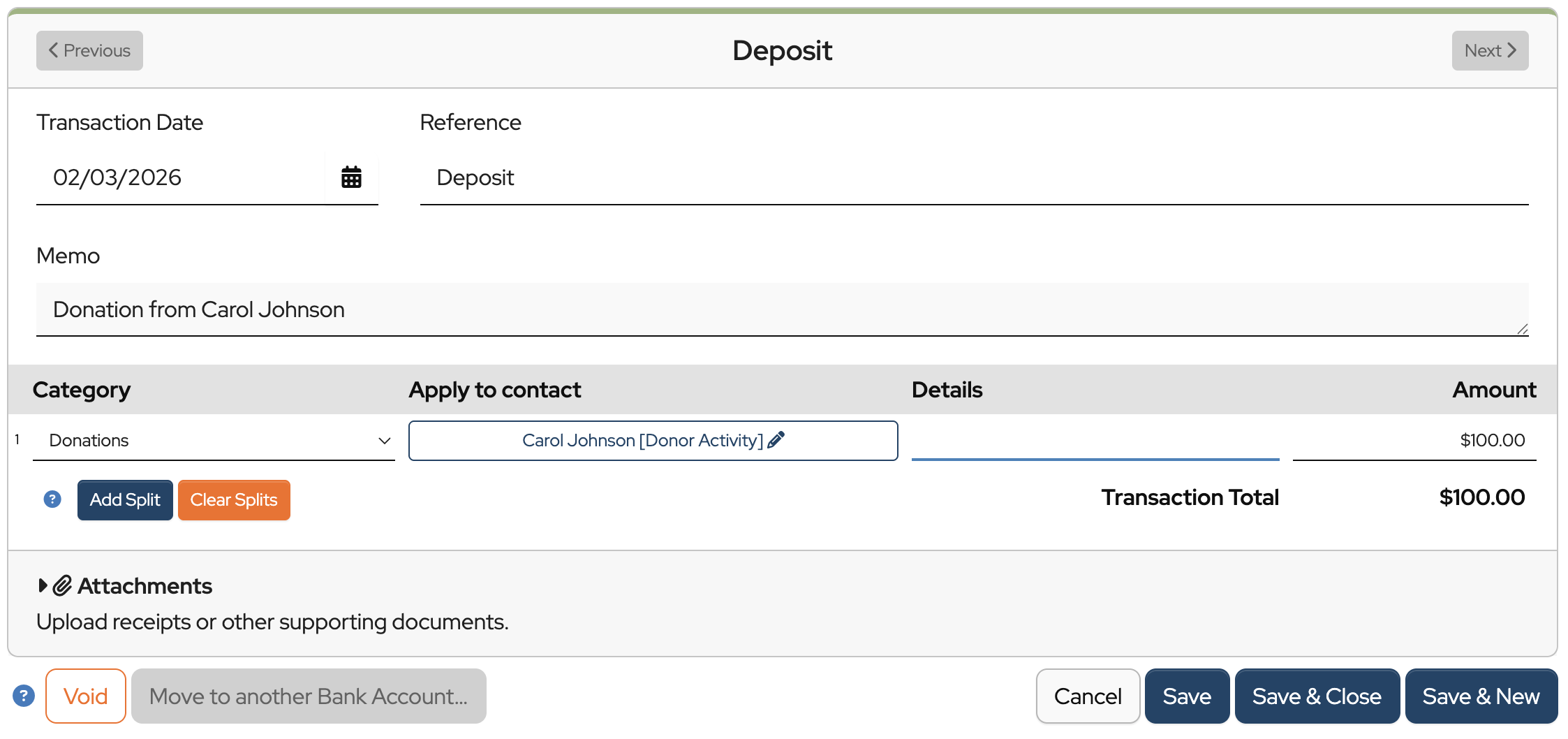
Let’s walk through an example. Let’s say Carol Johnson donated $100 to your organization.
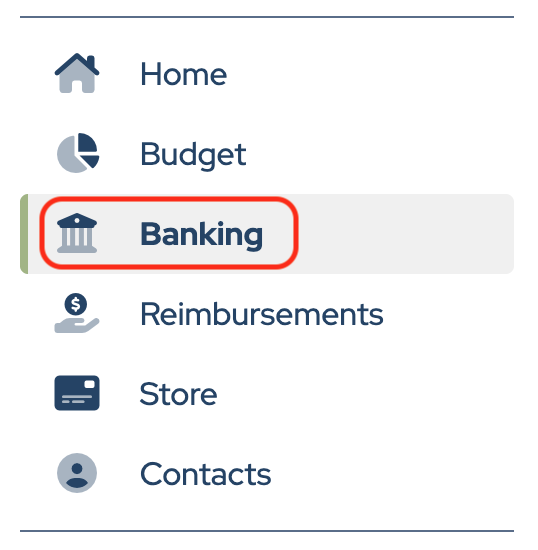
Click Banking in the sidebar.
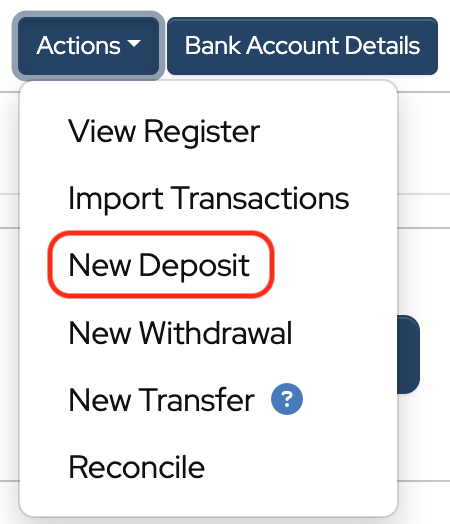
Click Actions to the right of the bank account.

Choose New Deposit from the dropdown.
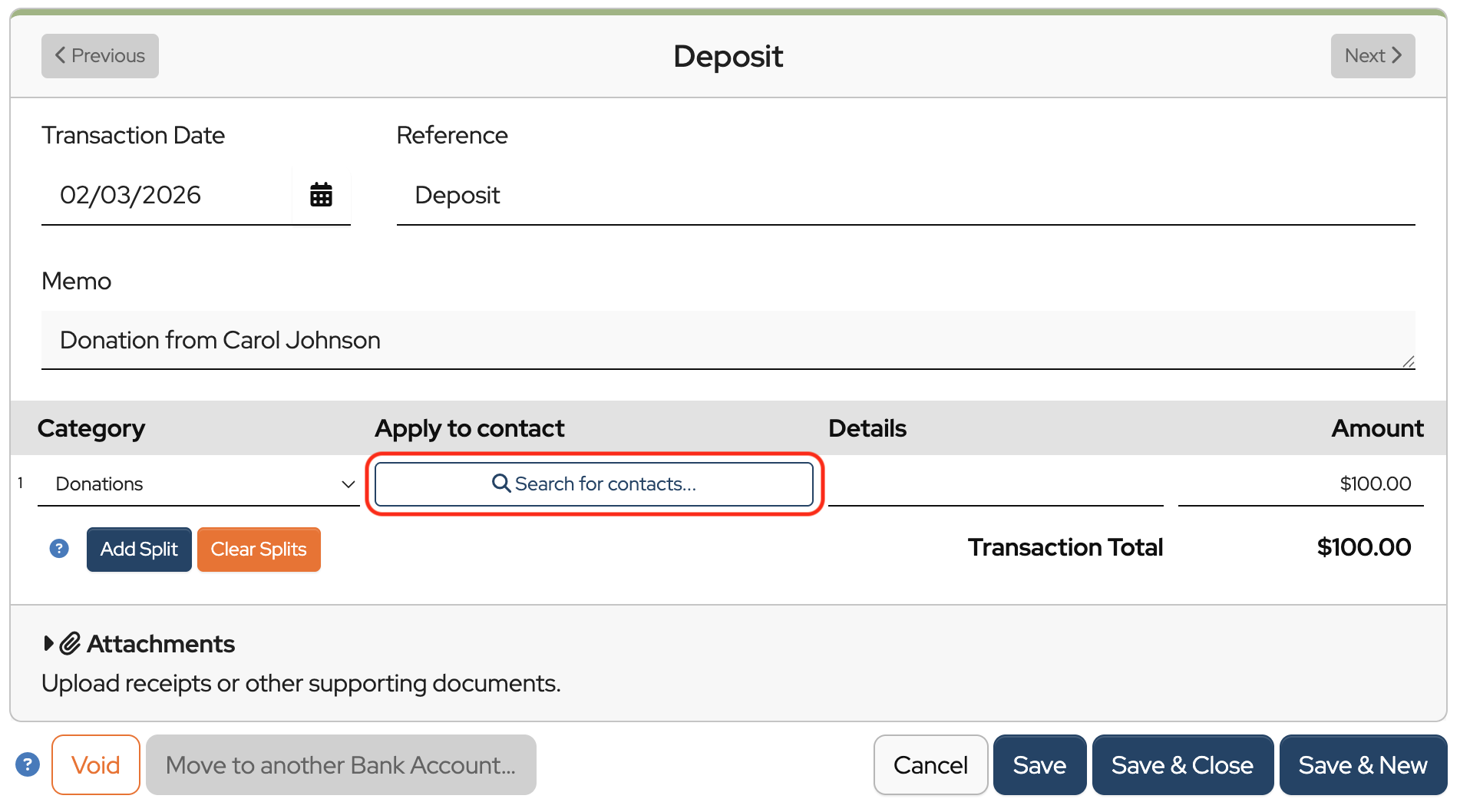
Fill out the fields of the deposit and click Search for contacts…
Enter the contact’s name into the Select a Contact field and choose it from the dropdown when it appears.

Select the Activity Account. Since it’s a donation, we’ll apply it to her Donor Activity Account.
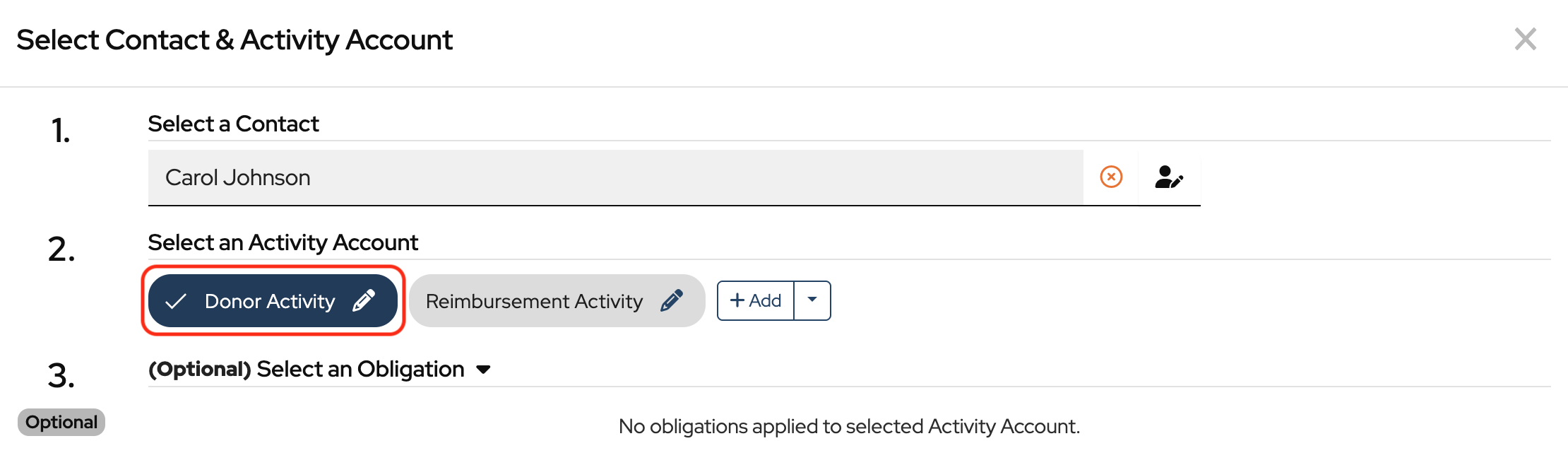
Click Apply To Activity Account.

Click Save & Close to record the deposit in the bank register and in Carol Johnson’s Donor Activity account.
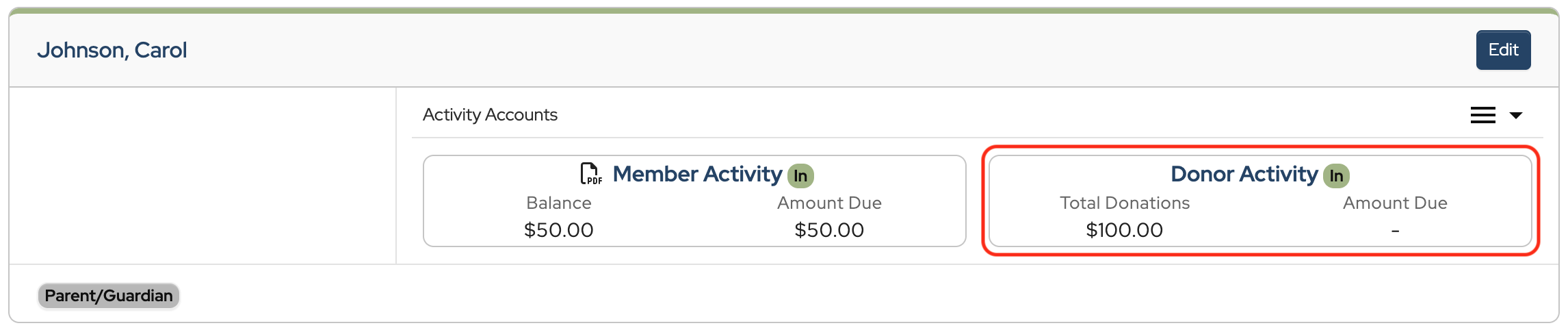
Carol’s Donor Activity account now reflects the $100 donation that was applied in the deposit.
Payments can also be applied to specific obligations. How to Apply Payments to Obligations.
How to run Contact Balance Reports
Hi, I am part of a PTO, and I am fairly new to this website. I am trying to figure out how I can create a statement that will show all activity, reimbursements we have made to this grade level account, as well as their current balance they have available to spend.
Hi Estella,
If you want to create a statement that includes all activity, reimbursements, and their current balance, you will need to track it in one activity account. We usually recommend tracking everything in the Member Activity account. There isn’t a way to create one statement across activity accounts.