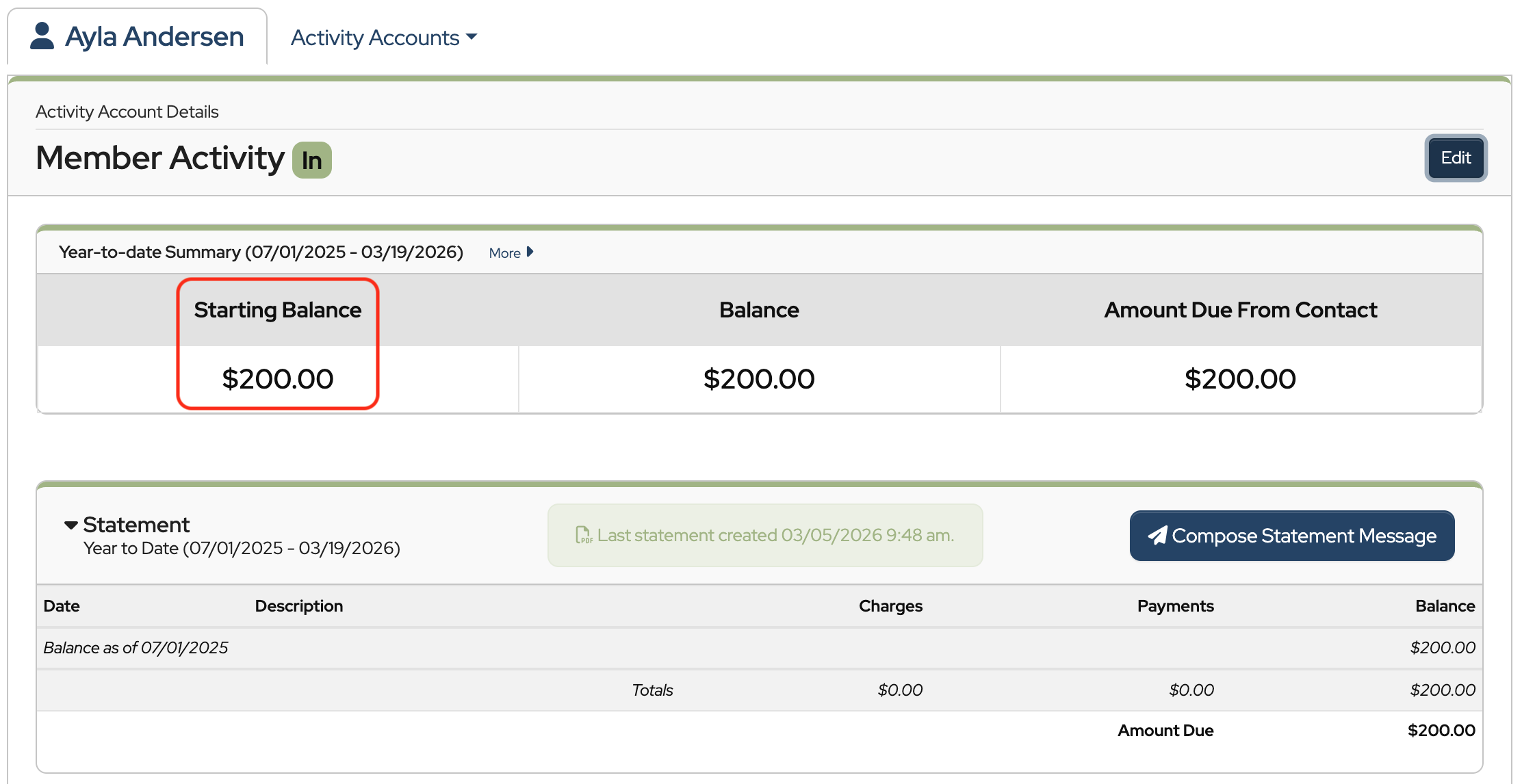
How to Add Contact Starting Balances

Watch Video

Enter Activity Account balances

If contacts have existing balances at the time they’re set up in MoneyMinder, a starting balance can be entered in their Activity Account.


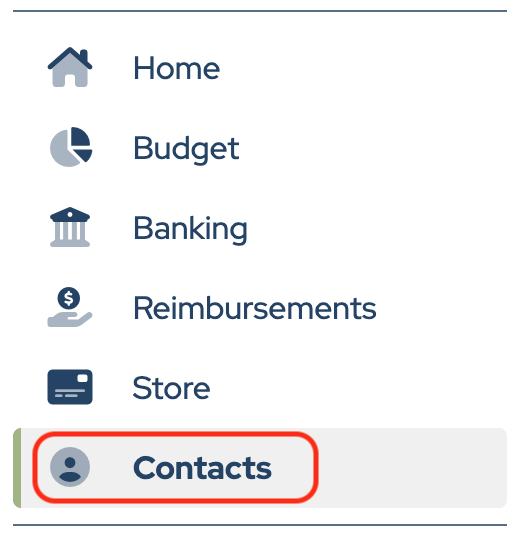
Click Contacts in the sidebar.

In the contact’s record, click the name of the Activity Account to open it.


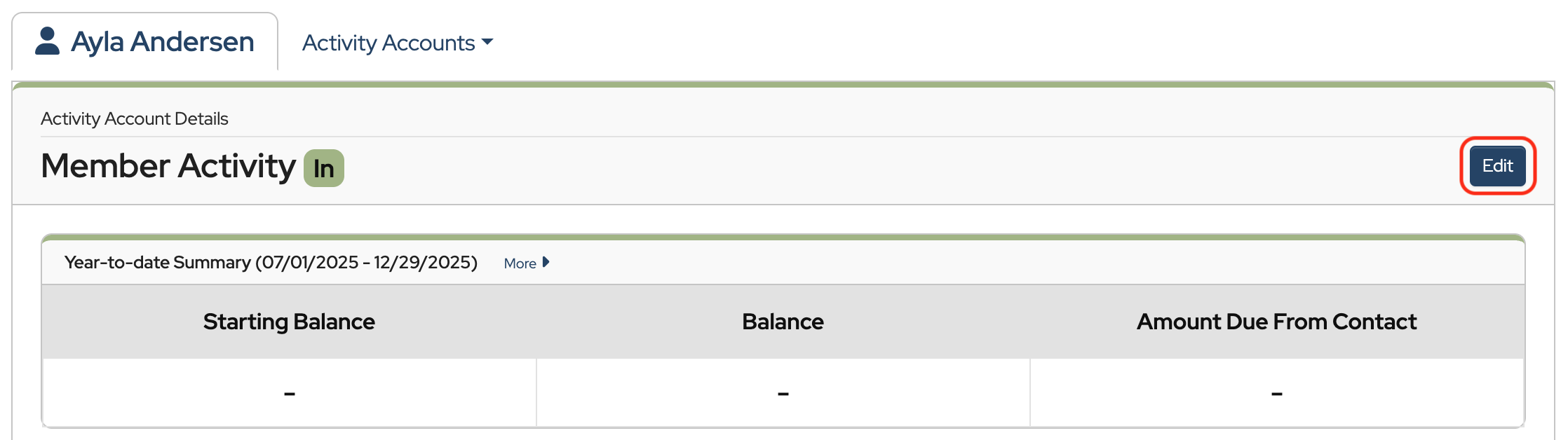
Next, click the Edit button within the Activity Account.

Scroll to the bottom of the screen and enter the starting balance into either the Paid in Advance/Credit box or the Owed By Contact box. 


Then click Save.


Carry forward Activity Account balances at the start of a new financial year

Click Contacts in the sidebar.


Then click Copy contacts from another financial year…


Member Activity & Fundraising Activity balances can be carried forward at this time if desired.

  • Make sure the box to Carry forward activity account balances is checked.
  • Uncheck the box if you’d like to start everyone with a $0 balance.


Then click Copy Contacts.


Using the Carry forward Activity Account Balances tool

The Carry forward Activity Account Balances… tool can be used if Activity Account balances were not pulled into the new financial year at the same time as Contacts. 

One example might be, if you forgot to pull the Activity Account balances into the new financial year when you pulled your Contacts over.

Another example might be, if you want to pull your Contacts into the new financial year before the last year is finished. This tool allows you to bring over Activity Account balances after the prior year closes.


In Contacts, click Tools and choose Carry Forward Activity Account Balances… from the dropdown.


Note: Only Member Activity and Fundraising Activity account balances can be pulled into the new financial year.


Back to the top

Was this article helpful?

Related Articles

Leave a Comment


This site uses Akismet to reduce spam. Learn how your comment data is processed.

Need Support?

Can't find the answer you're looking for?
Contact Support