
How to Apply Payments to Obligations
Watch Video
Want to know who’s paid for a trip or dues—and who still owes? You can apply payments to specific obligations and run a detailed report to see payment status at a glance.
Apply payments to specific obligations
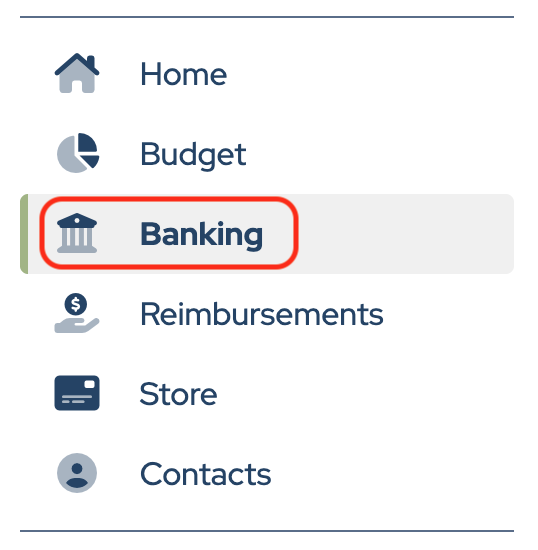
Click Banking in the sidebar.
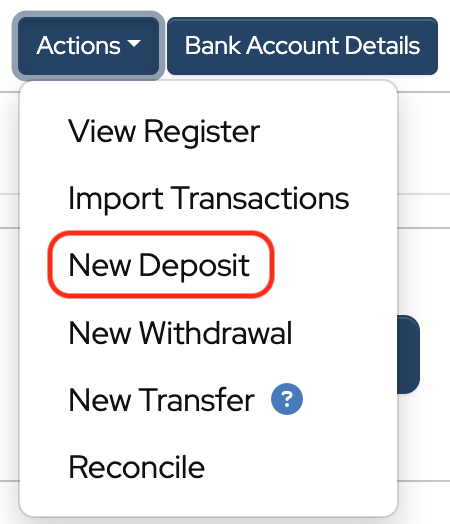
Click Actions to the right of the bank account.

Choose New Deposit from the dropdown.
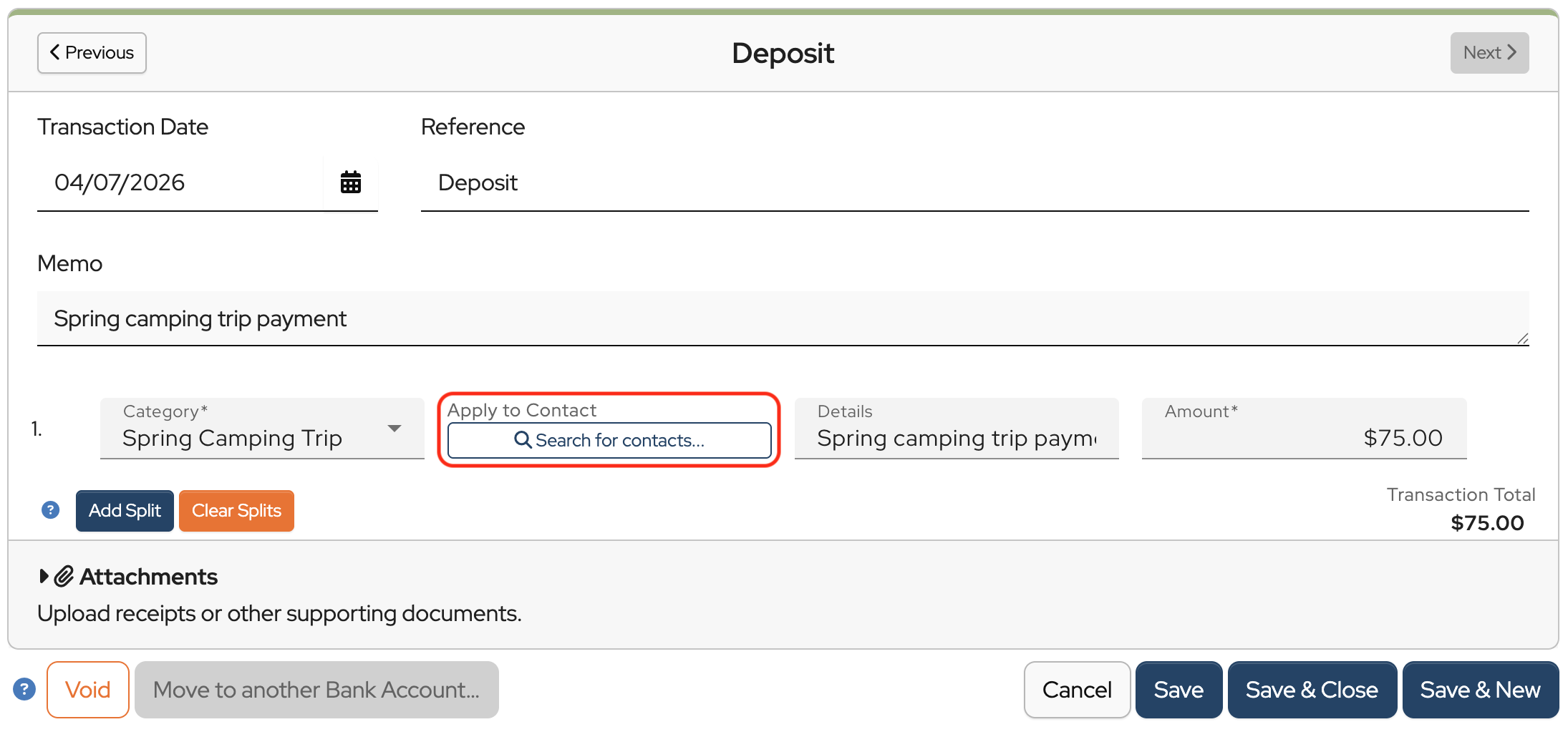
Fill in the required fields, then click Search for contacts.
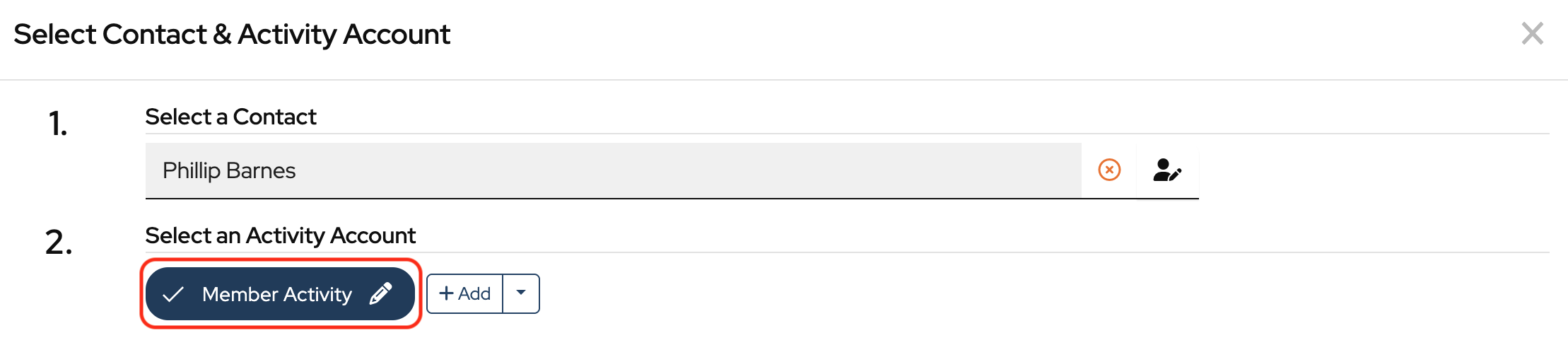
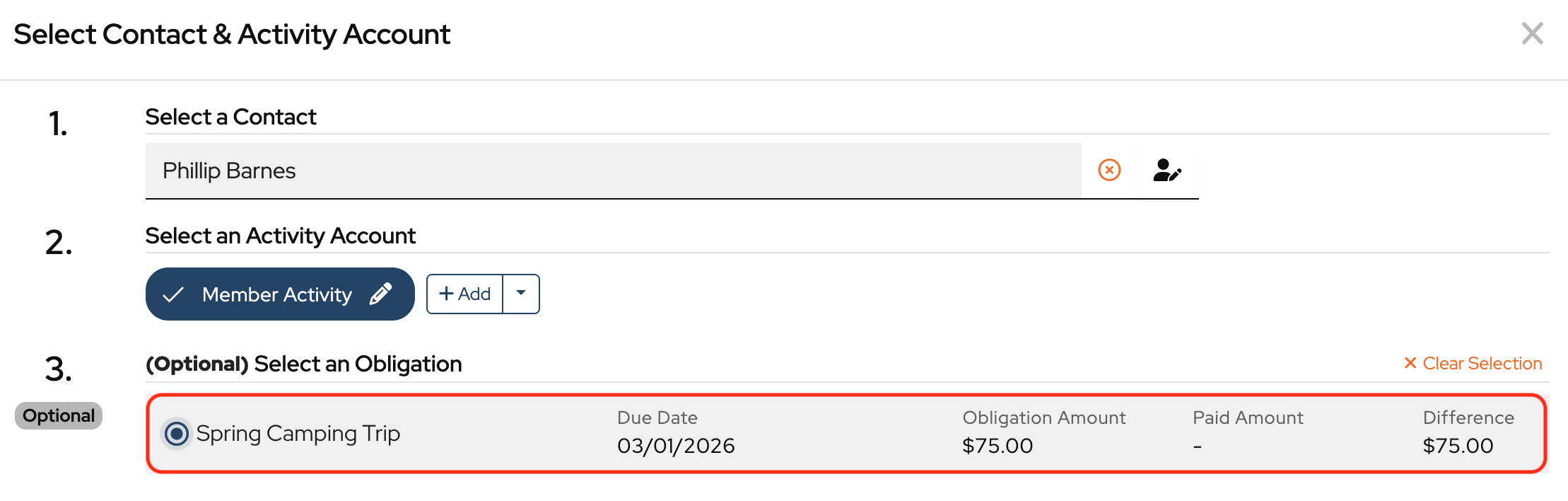
Enter the contact’s name into the Select a Contact field and choose it from the dropdown when it appears.

Select the Activity Account
Select an obligation, then click Apply to Obligation.
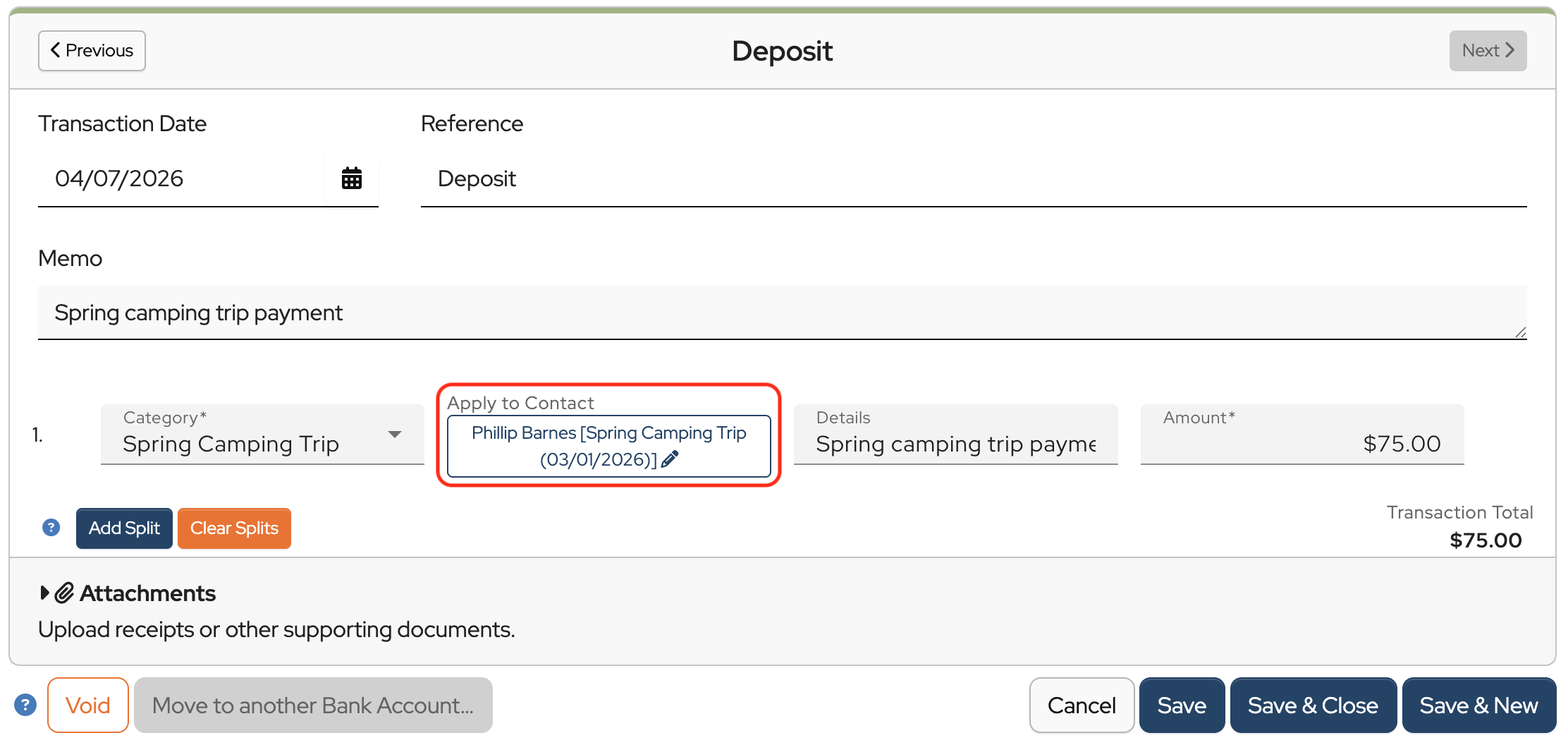
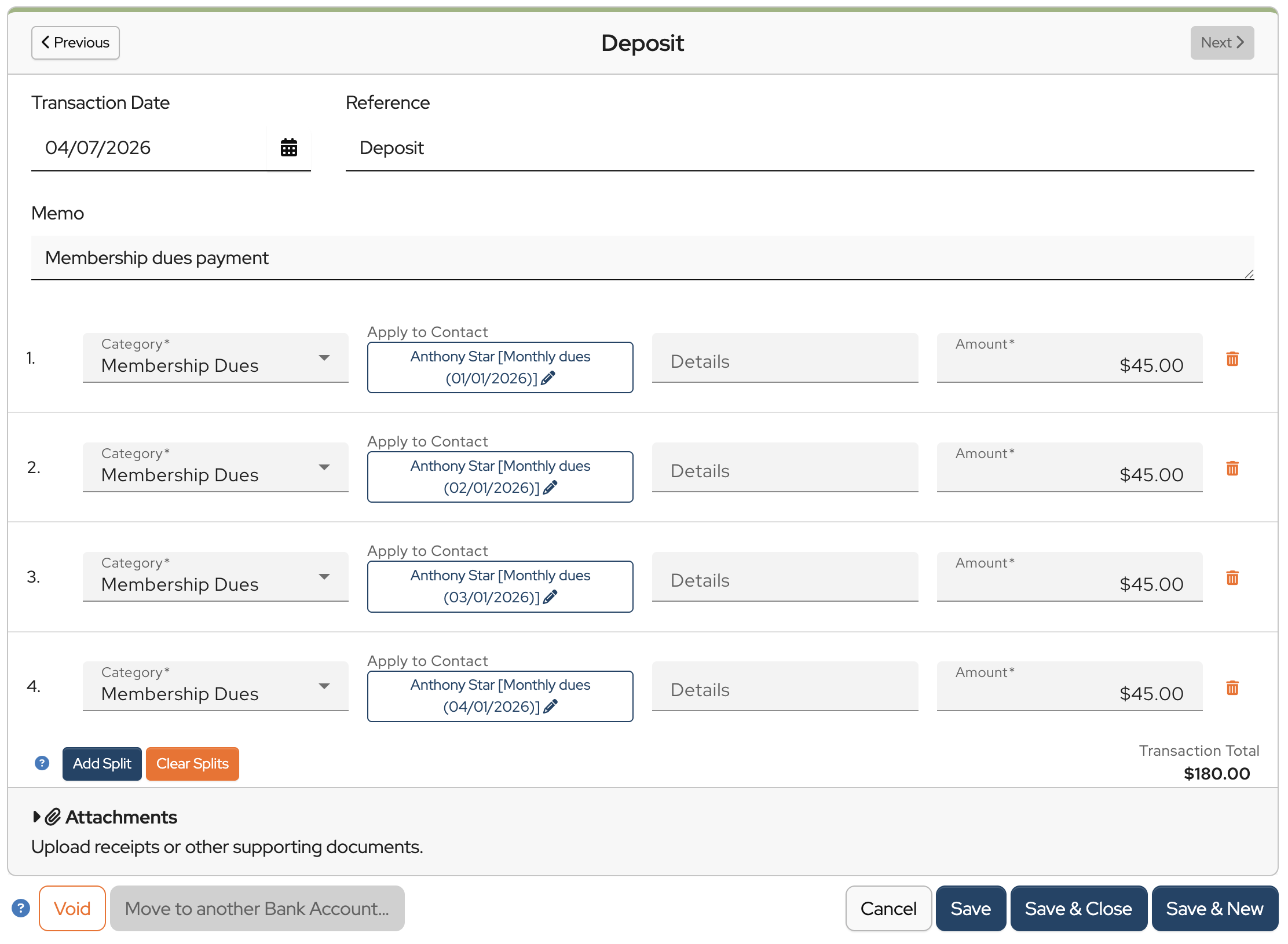
You’ll now see the contact’s name and obligation listed under Apply to Contact in the deposit screen.
Click Save & Close to record the deposit in both the bank register and the contact’s record.
Apply payments to recurring obligations
To apply a payment to a recurring obligation, such as monthly dues, follow the same steps described above.
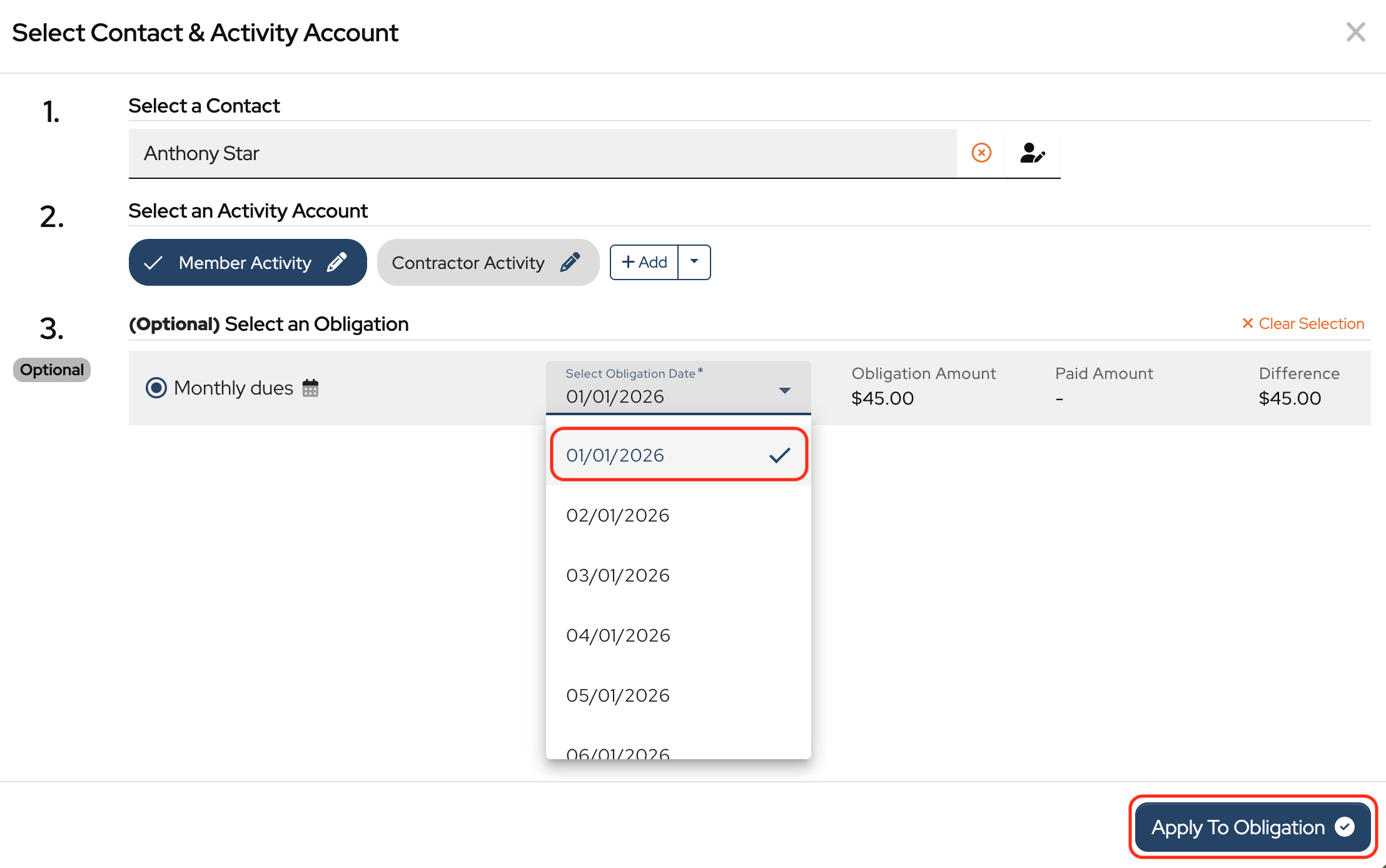
But for a recurring obligation, there will be an option to select an Obligation Date to apply the payment to. Select the appropriate date and then click Apply to Obligation.
If a contact makes a lump-sum payment covering multiple months, you can apply it across several obligation dates by creating separate splits.
Click Add Split, then repeat the process for each date the payment should cover.
To learn how to run the Obligation Report, click How to Run Contact Balance Reports
This will be very helpful! Could a ‘totals’ row be added at the bottom including contact count, similar to the activity account balance report?
Thanks!
Hi Deric,
Thank you for the suggestion. It makes a lot of sense, and I will add it to our feature requests.
Unfortunately, this doesn’t show payments made and recorded prior to this new feature. I don’t see a way to transfer that info to it without going back into every previous split payment recorded, which I am not doing. It requires more steps to record each split payment. I want something to save me time, not increase it. I will just continue to use the Activity Account Balance Report and it’s filters.
Hi Linda,
Yes, this feature is optional and intended for groups that want to track who has paid a specific obligation. Continuing to apply payments to Activity Accounts and tracking contact balances in this manner may work better for some groups.
Love this new feature. I’d like for you to take it one step further. Allow the user to update the Paid and Paid through dates on the Contacts using the same data/feature.
Hi Elayne,
Thank you for your suggestion. I added it to our feature requests.