
How to Rename an Activity Account
Watch Video
In MoneyMinder, Activity Accounts that track contact balances have default names. But you can easily rename them to fit your organization’s specific needs.
Let’s say you want to change Reimbursement Activity to Teacher Grants.
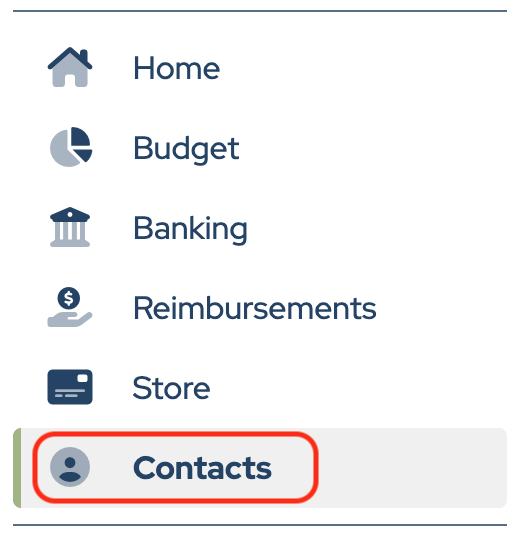
Click Contacts in the sidebar.
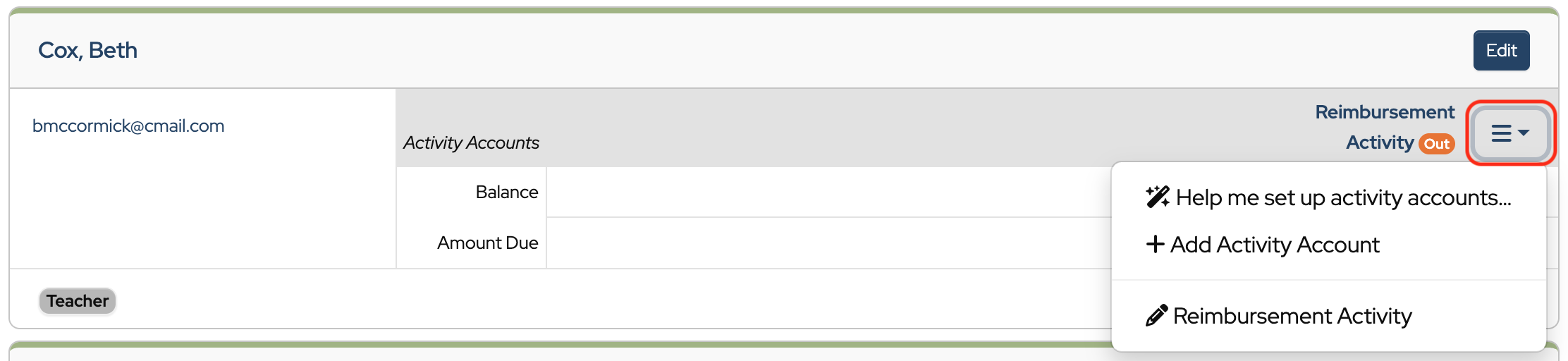
Next, click the three-line menu (hamburger) on the right side of any contact with a Reimbursement Activity Account.
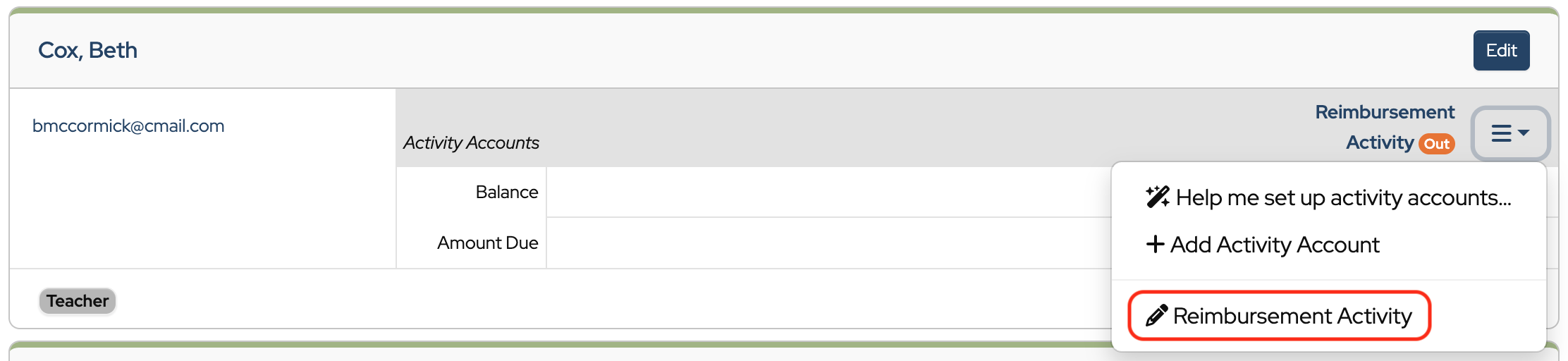
Select the Activity Account from the dropdown. In this example Reimbursement Activity.
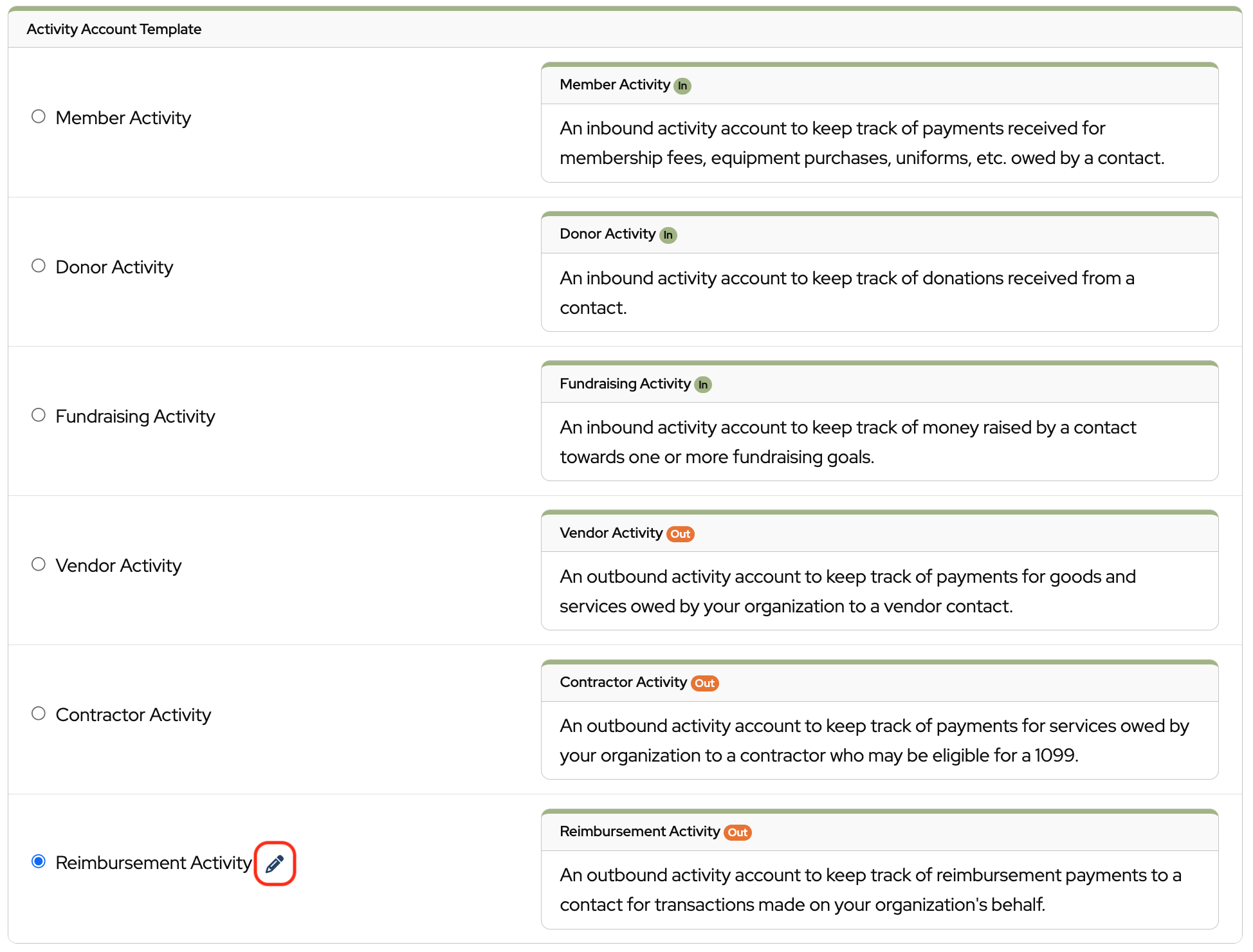
Click the pencil icon next to Reimbursement Activity.
Enter the name that you would like to give this Activity Account.

Click the disk icon to save.

Click Save.
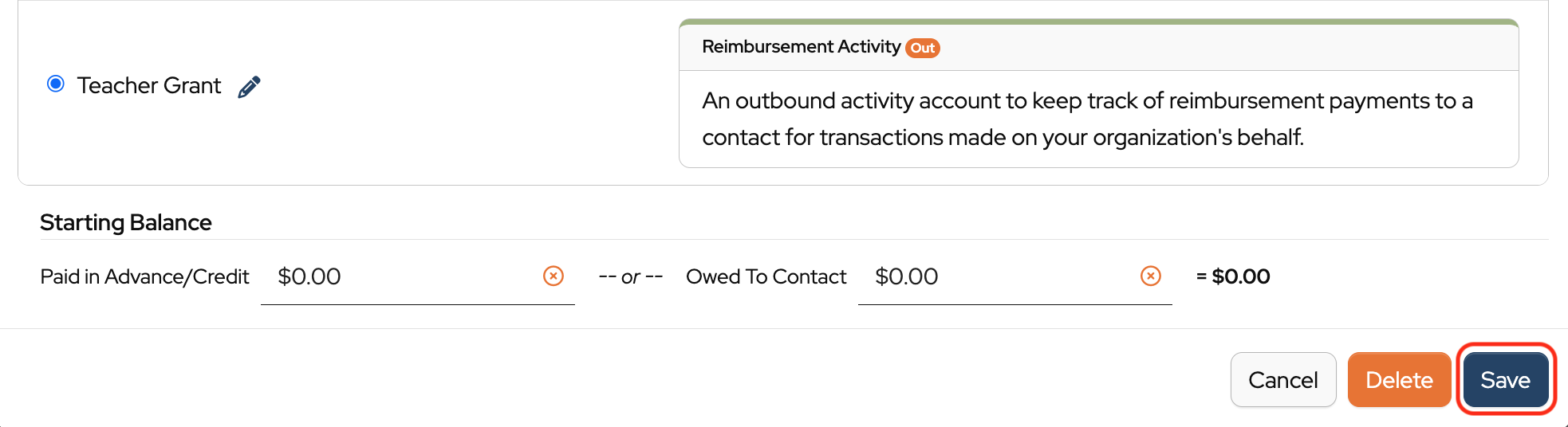
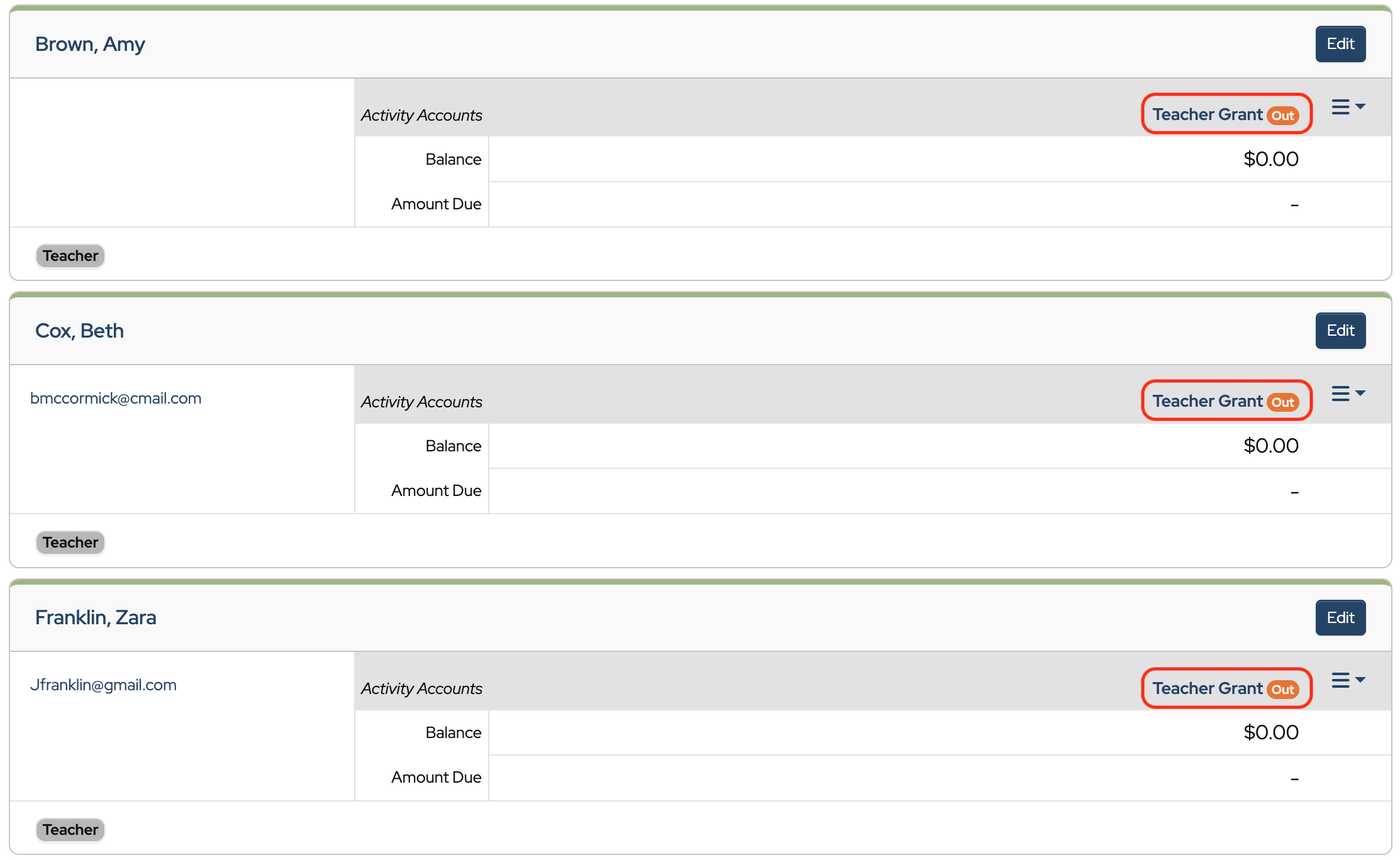
And that’s it! Now all Reimbursement Activity Accounts are named Teacher Grant.

Back to the top
Was this article helpful?
It would be very useful if Activity Accounts could be created by us based on Inbound/Outbound nature of the activity. For example, our condo association has relabeled the original 3 as Condo Fees (was Member Activity), Water Consumption Bills (was Donor Activity), and other assessments or fees (was Fundraising Activity). This allows us to track and report as noted above.
Currently there are only 3 inbound activity options available but having the flexibility to add and define additional Activity Accounts beyond the ones currently available would allow us to tailor these to our circumstances, and report on these as needed.
Thanks for considering!
Hi Mary,
I will add your suggestion to our feature requests. We appreciate your ideas and input.