
How to track In-kind (or non-cash) donations
Watch Video
Organizations may receive donated items or services to support fundraising events. In MoneyMinder, these are tracked as in-kind donations.
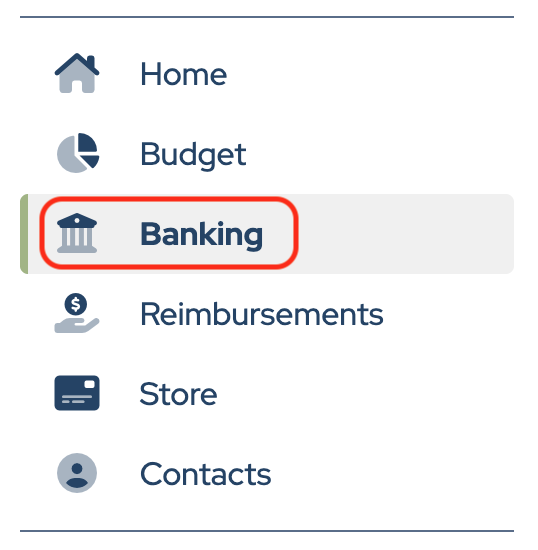
First, create a dedicated bank account for tracking in-kind donations. Click Banking in the sidebar.
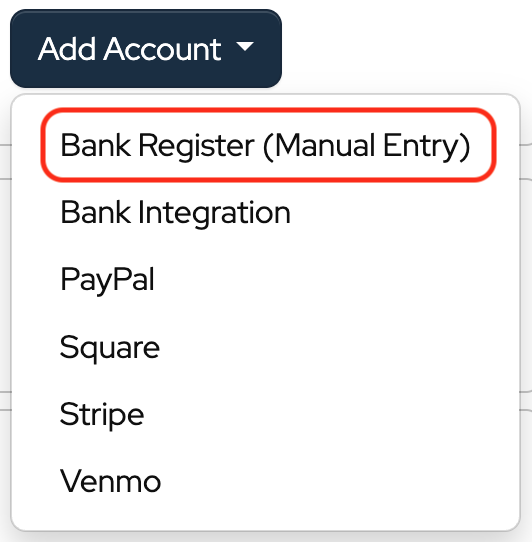
Click Add Account.

Choose Bank Register (Manual Entry) from the dropdown.
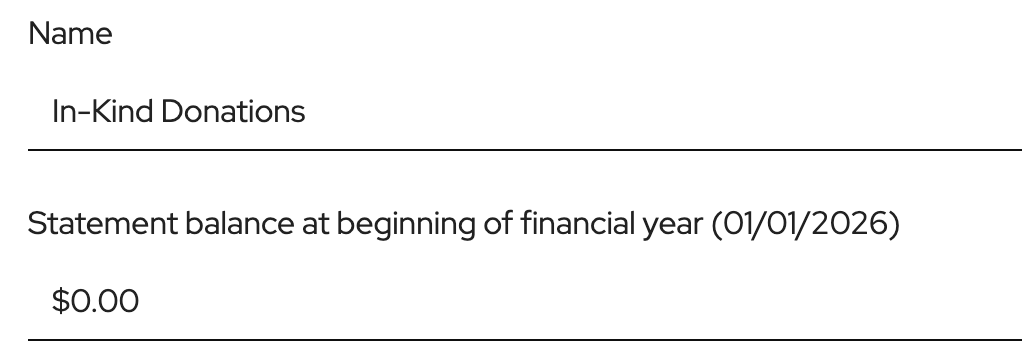
For the bank name, enter “In-Kind Donations,” and leave the starting balance at $0.00.
Click Save.
Next, click Budget in the sidebar.
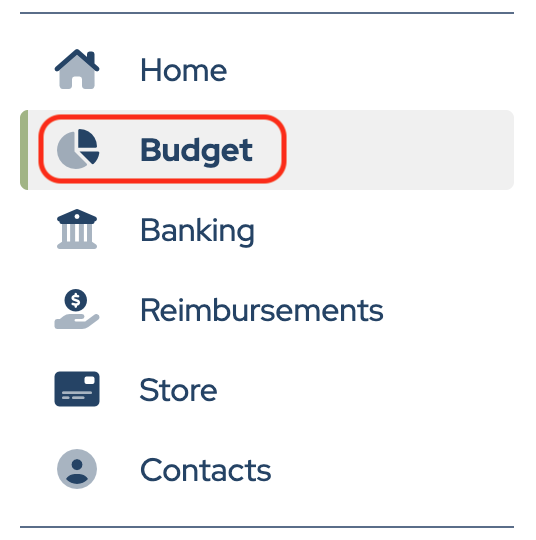
Add a category called “In-Kind Donations”.
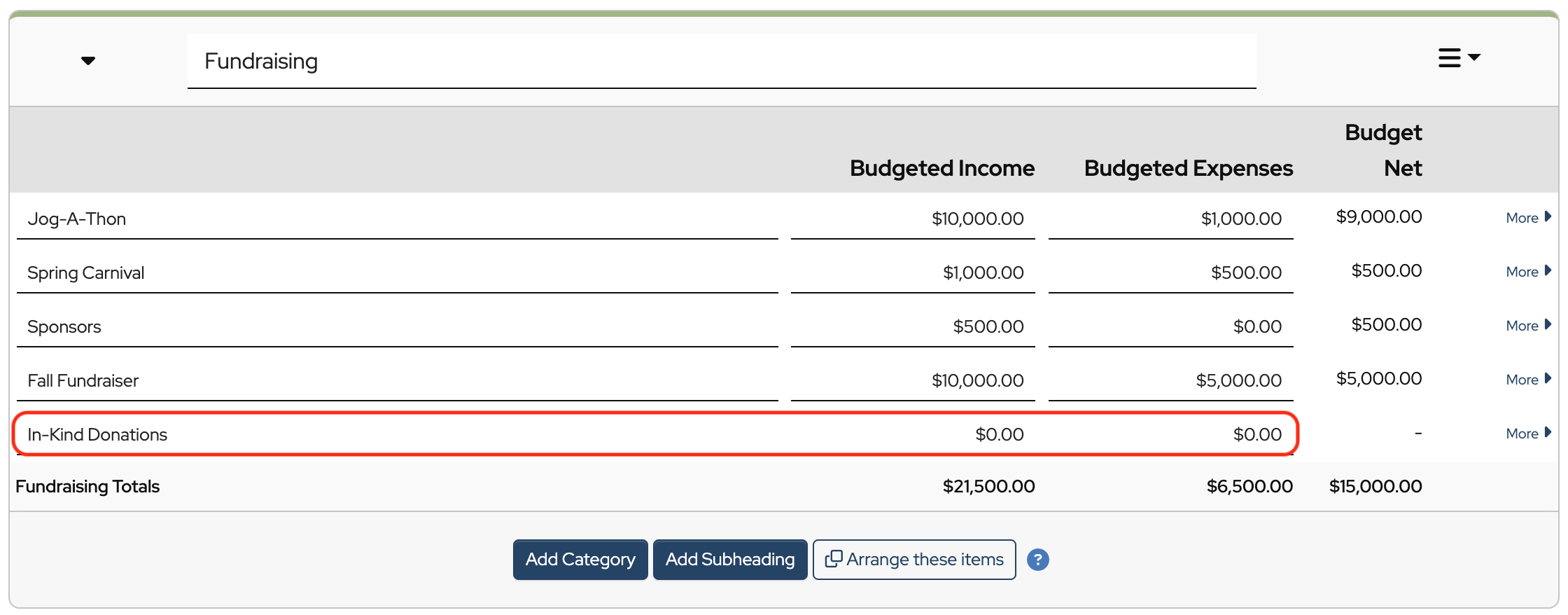
When your organization receives donated goods or services, enter them as a deposit into the In-Kind Donations account. Allocate the transaction to the In-Kind Donations budget category. This records the fair market value of the donation as income to the organization.
You may also want to record the donation in the donor’s Donor Activity Account so you can issue a donation acknowledgment letter.
Here’s an example of what a deposit might look like:
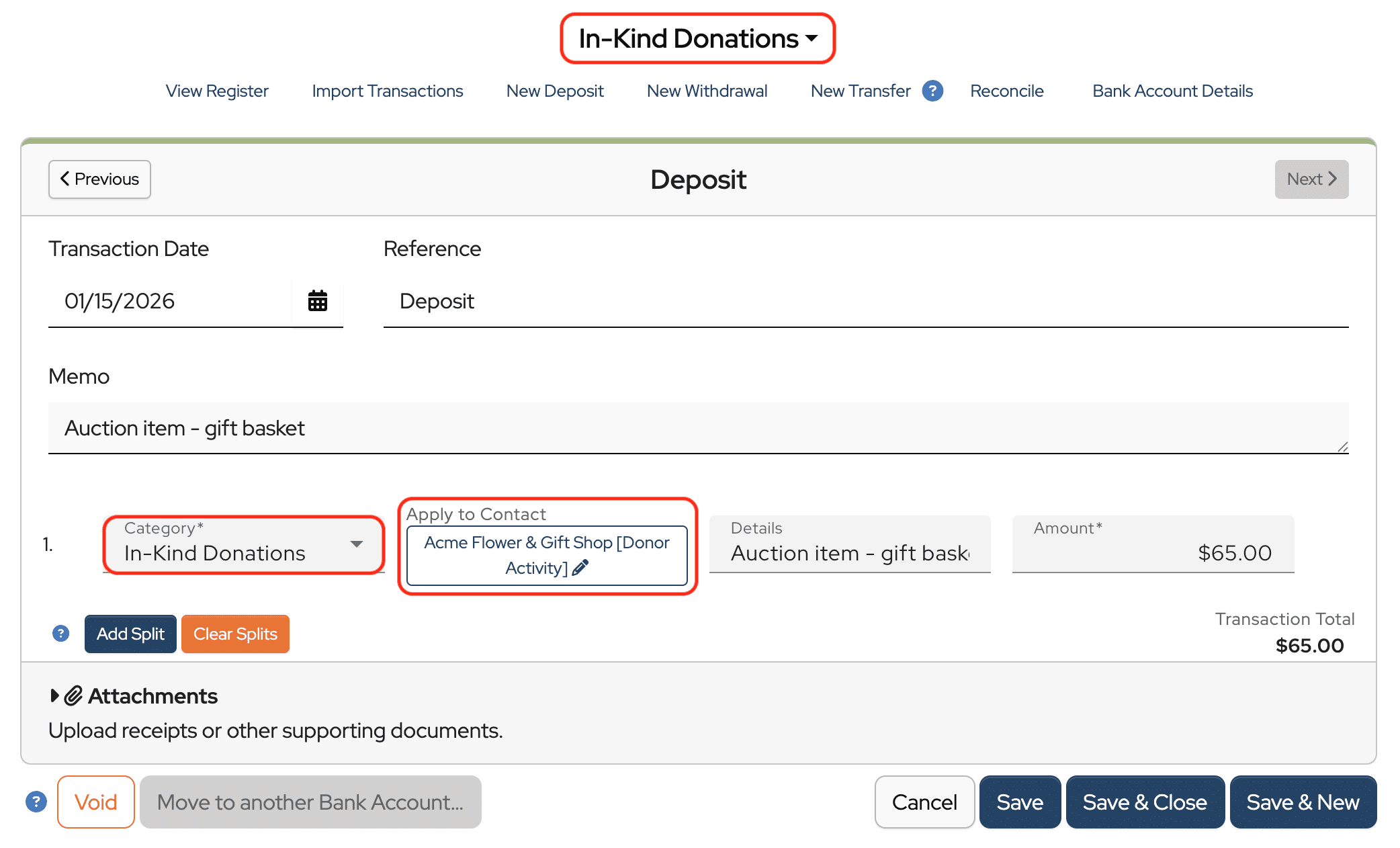
Note: Using a single category for all in-kind donations makes it easier to track the total value received and helps ensure accurate reporting on IRS Form 990 or 990-EZ.
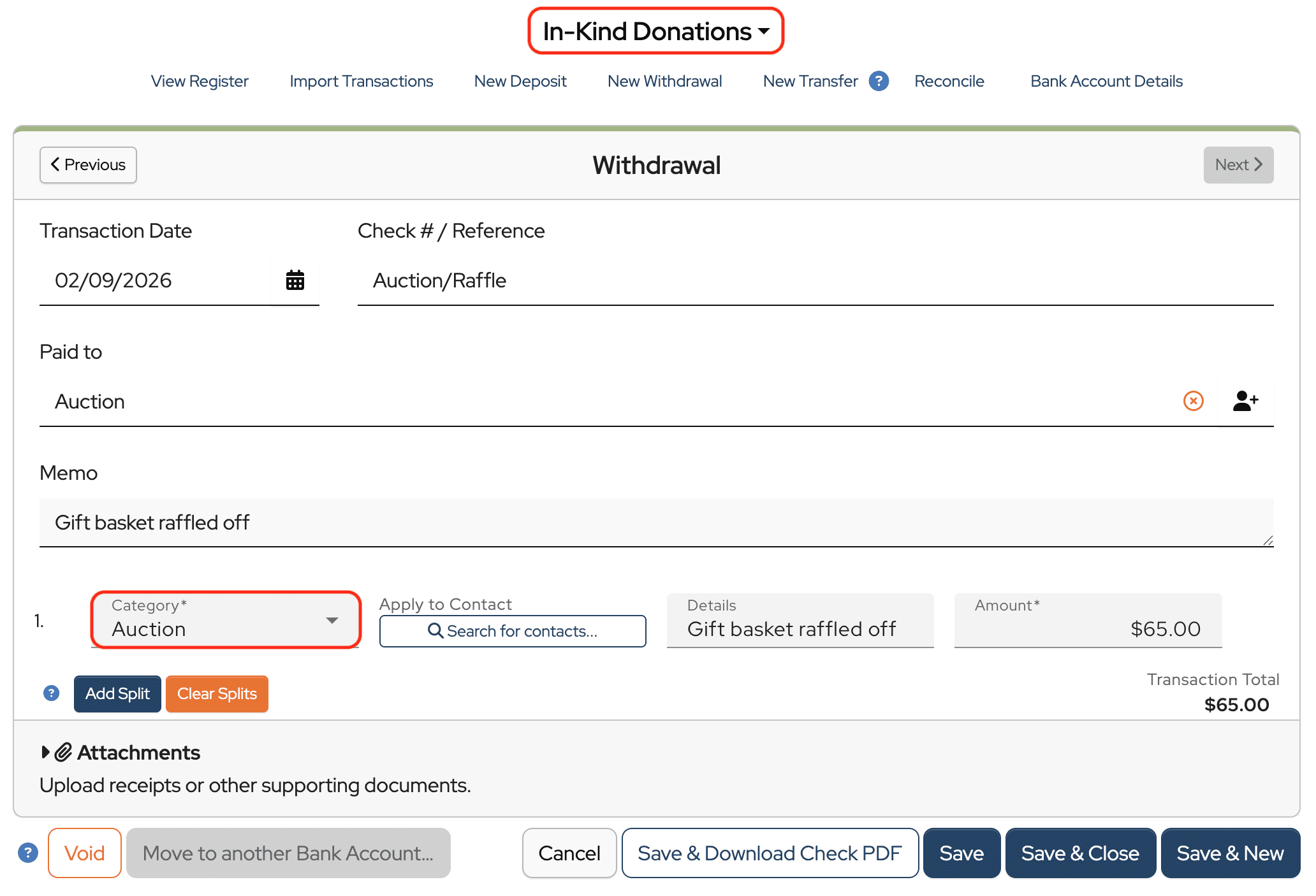
When the donated item is later used for an event, enter a withdrawal from the In-Kind Donations account. You can assign the transaction to the event category, such as Auction, so the value is reflected in the event expenses, or to the In-Kind Donations category. How this is categorized in reports and for tax purposes is up to your group’s preferences and accounting practices.
Finally, record any proceeds earned from the donated item as a regular deposit in your bank register. For example, if a donated gift basket brings in $100 during a raffle, record the full $100 as income and allocate it to the event budget category.

Remember, all transactions entered in the In-Kind Donations account will appear on your Treasurer’s Report. Although these donations are non-cash contributions, the IRS still treats them as income, and MoneyMinder tracks them for reporting purposes.
thnak you for this article. It was very, very helpful
Thank you. This was very helpful. Do we need to reconcile this “In-Kind” account for our 990 or other reports?
Hi Ced,
Yes, you will want to reconcile the In-Kind Donations bank account to the last day of the financial year to run the Audit Report and Balance Sheet and to file your 990-EZ.