
Using the Asset Log
Track the purchase, location, and usage of tangible assets in the Asset Log.
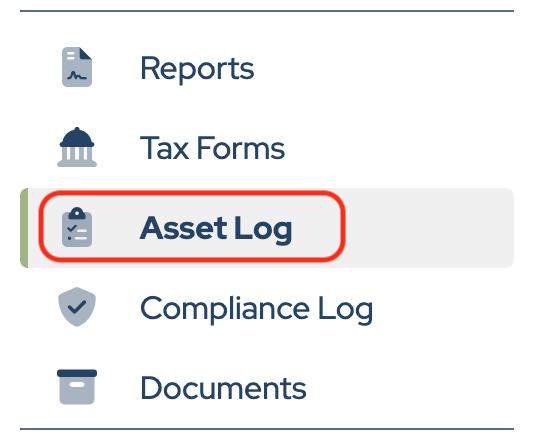
Click Asset Log in the sidebar.
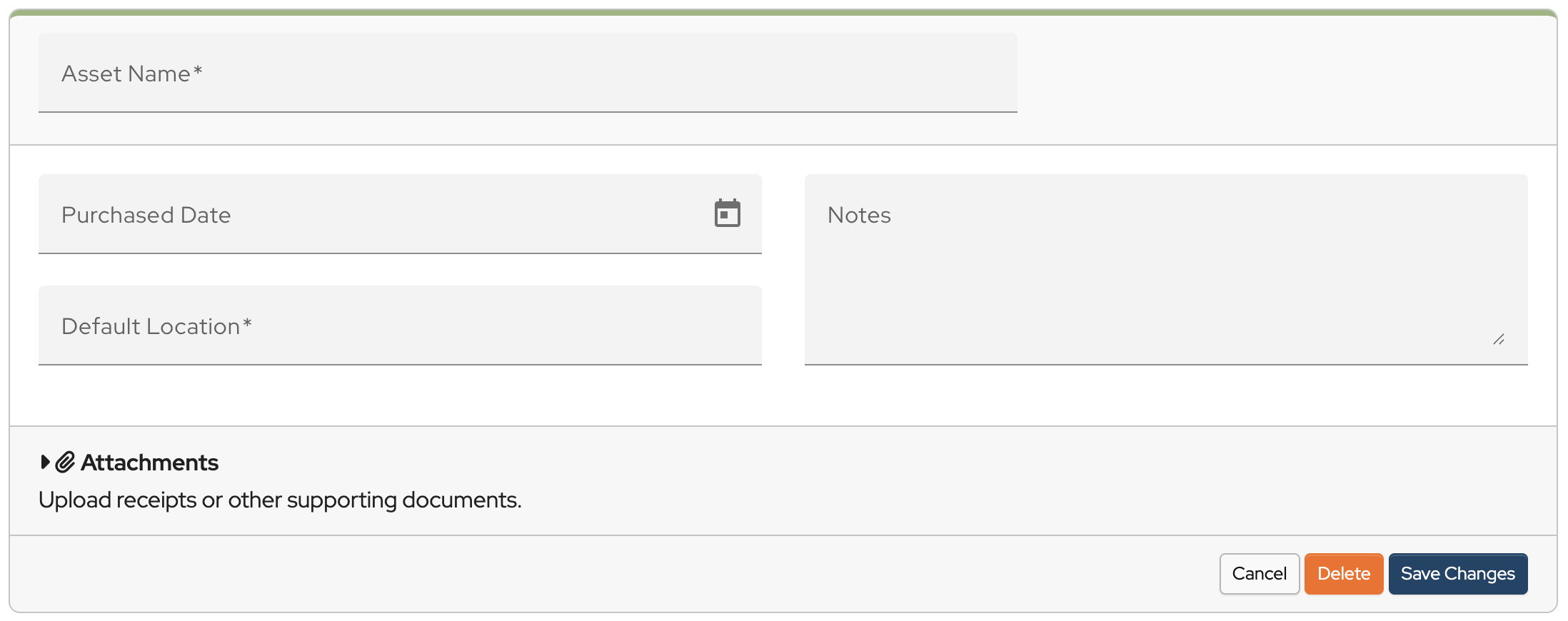
Click Add New Asset.

Enter the Asset Name, Purchased Date, Default Location, and Notes. (Asset Name and Default Location are required fields)
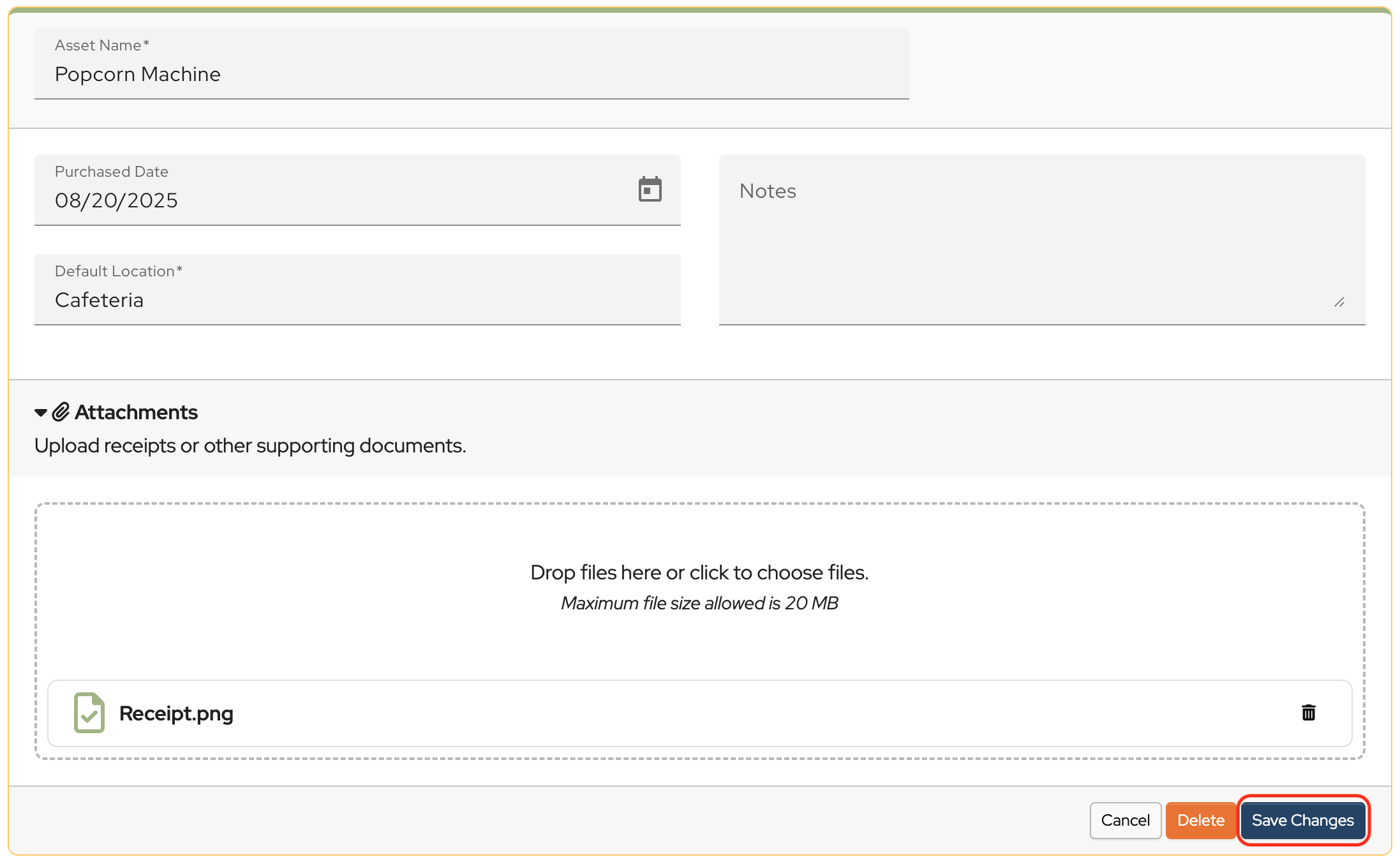
Receipts and other documentation can be uploaded and stored in the asset record.
When the information has been entered and receipts and documents uploaded, click Save Changes.
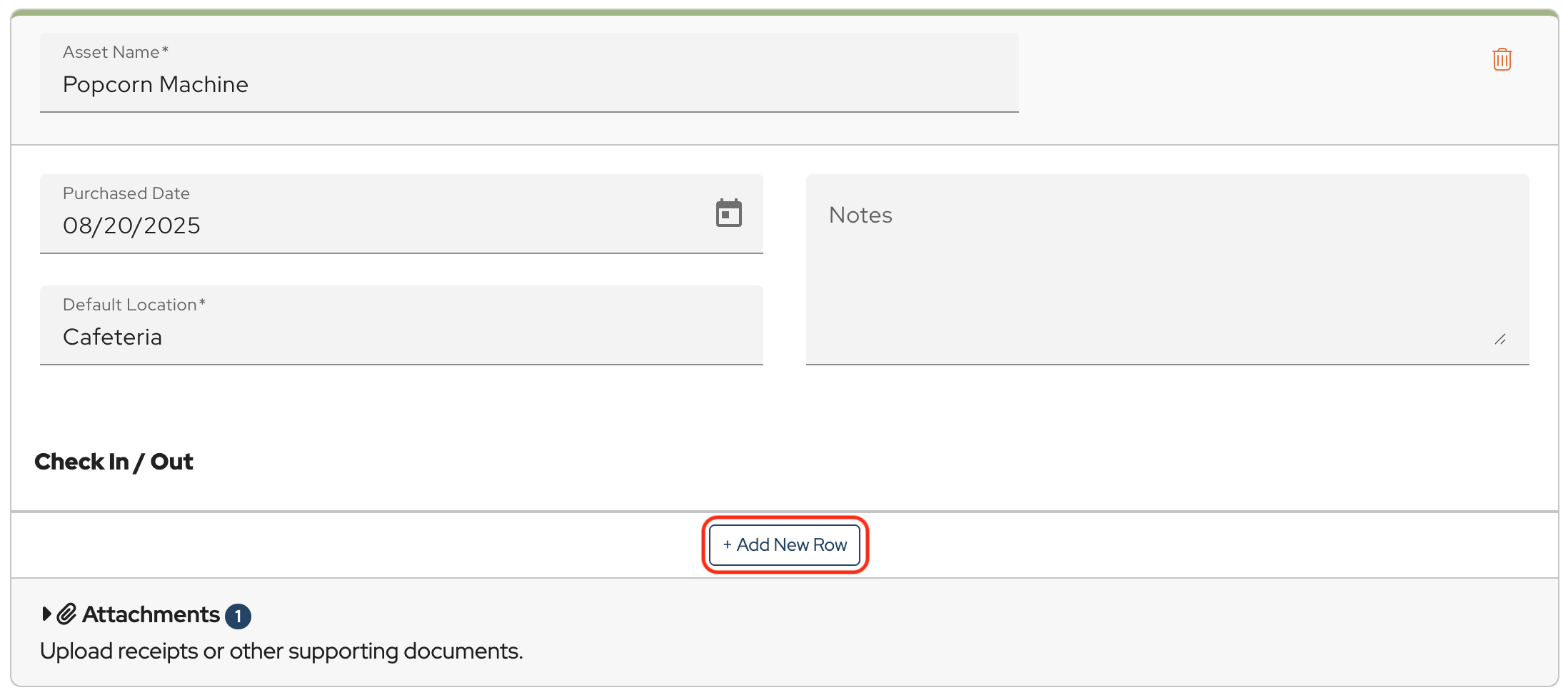
Once the asset has been saved, a Check In / Out log is created to track usage.
Click Add New Row.
Fill in the information and click Save Changes.
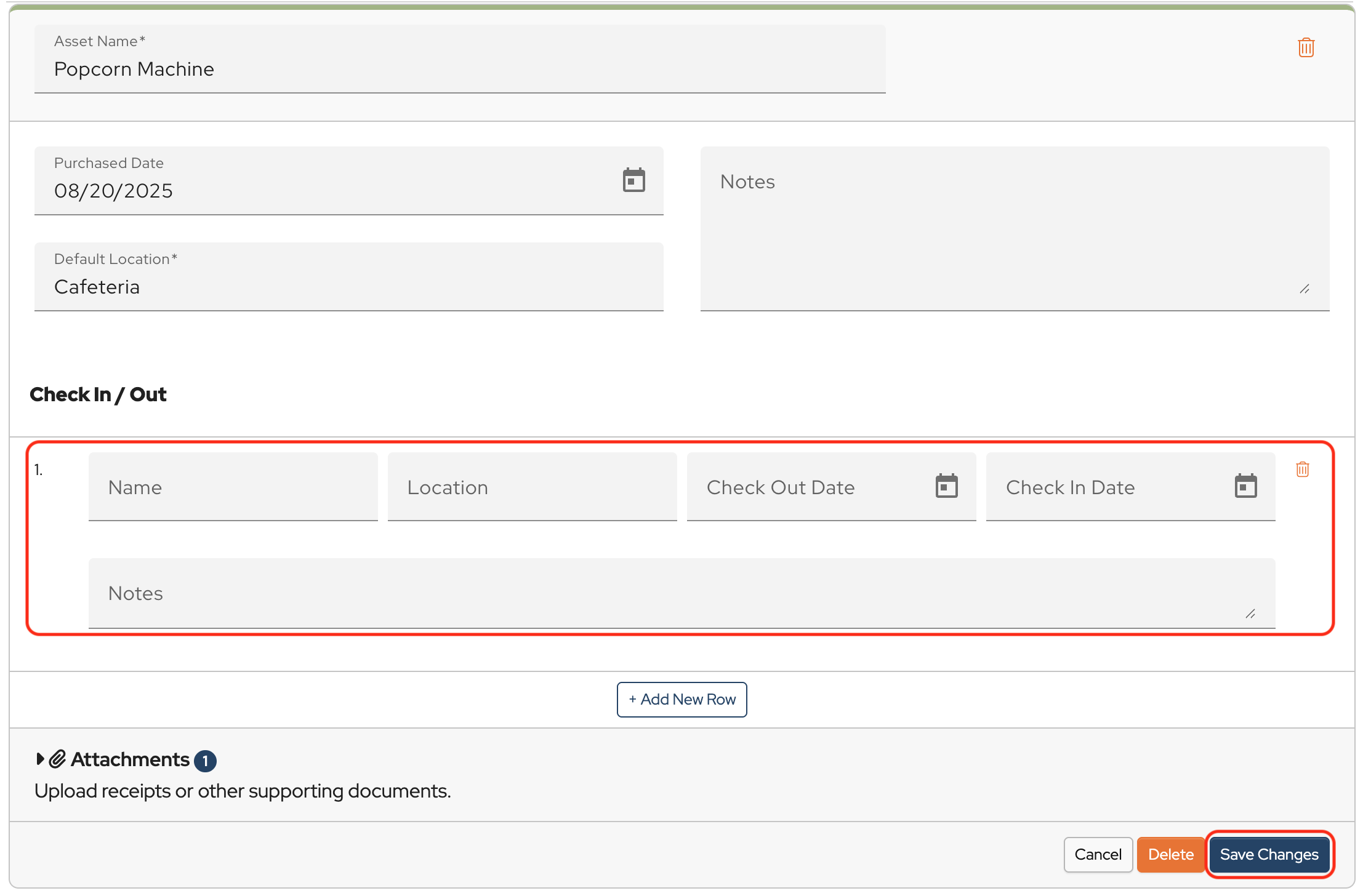
Click Add New Row for additional lines in the Check In / Out log.
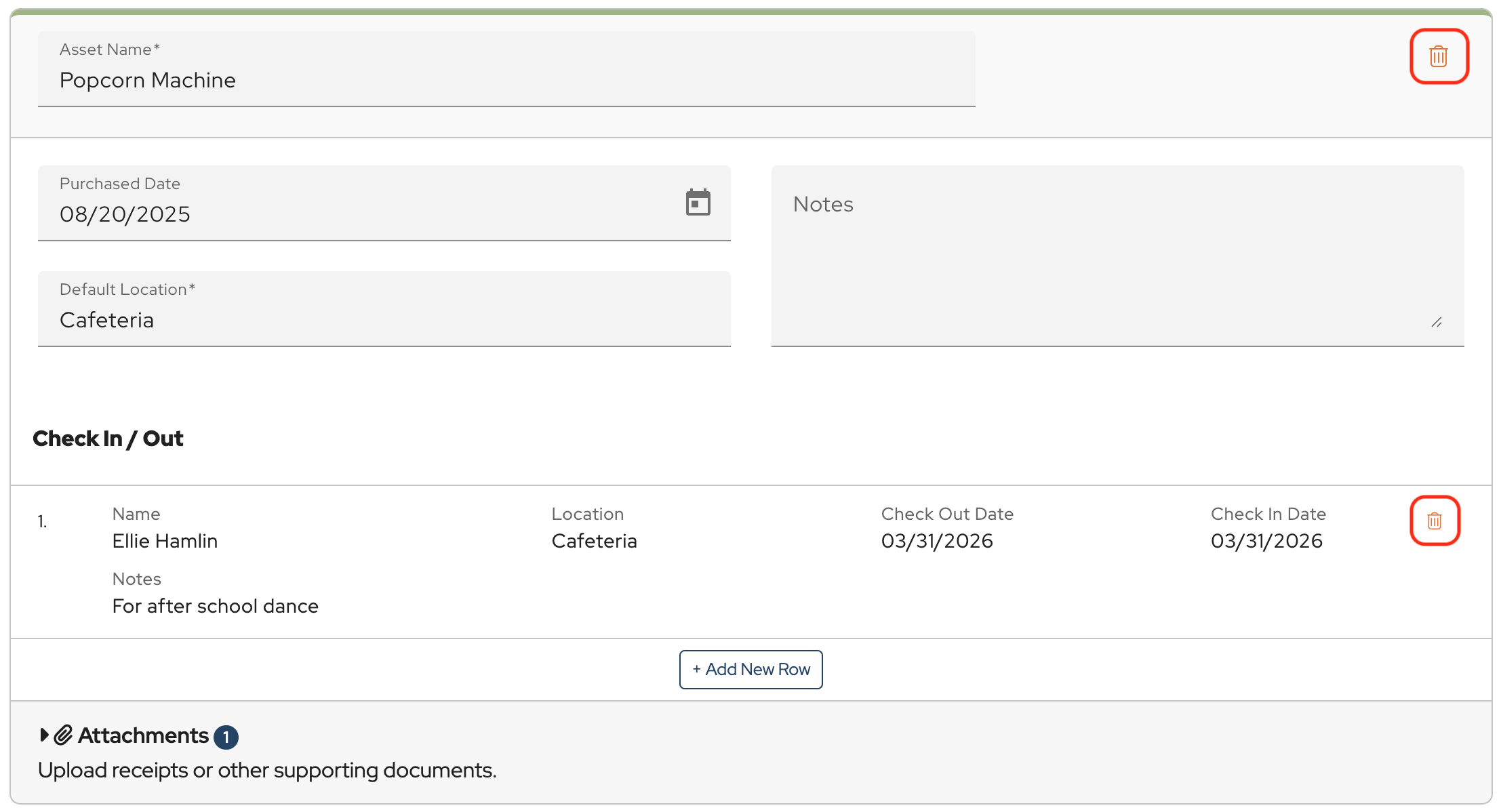
To delete an Asset or an entry in Check In / Out, click the Garbage Can.
Was this article helpful?
Hello, my swim group occasionally purchases merchandise such as swim caps, hoodies, and t-shirts to sell to team members. Is there a way I could use MoneyMinder to track our inventory items and sales?
Hi Doug,
You can receive payments for items through the Store feature in MoneyMinder. The Store connects with Cheddar Up and allows you to create Collections to sell items. You can then import those sales transactions into MoneyMinder. If you enter the number of each item for sale, it tracks the number remaining as the items are sold. Click Store in the sidebar of your MoneyMinder account for more information.
Can you add a field to asset management for “current value” which could be used for tangible assets such as furniture or tools?
Hi Glenn,
I will enter your suggestion as a feature request. For now, you could enter that information in the Notes field.