
How to Handle Refunds
If your group purchases something and later returns it for a refund, here’s how we recommend handling it in MoneyMinder.
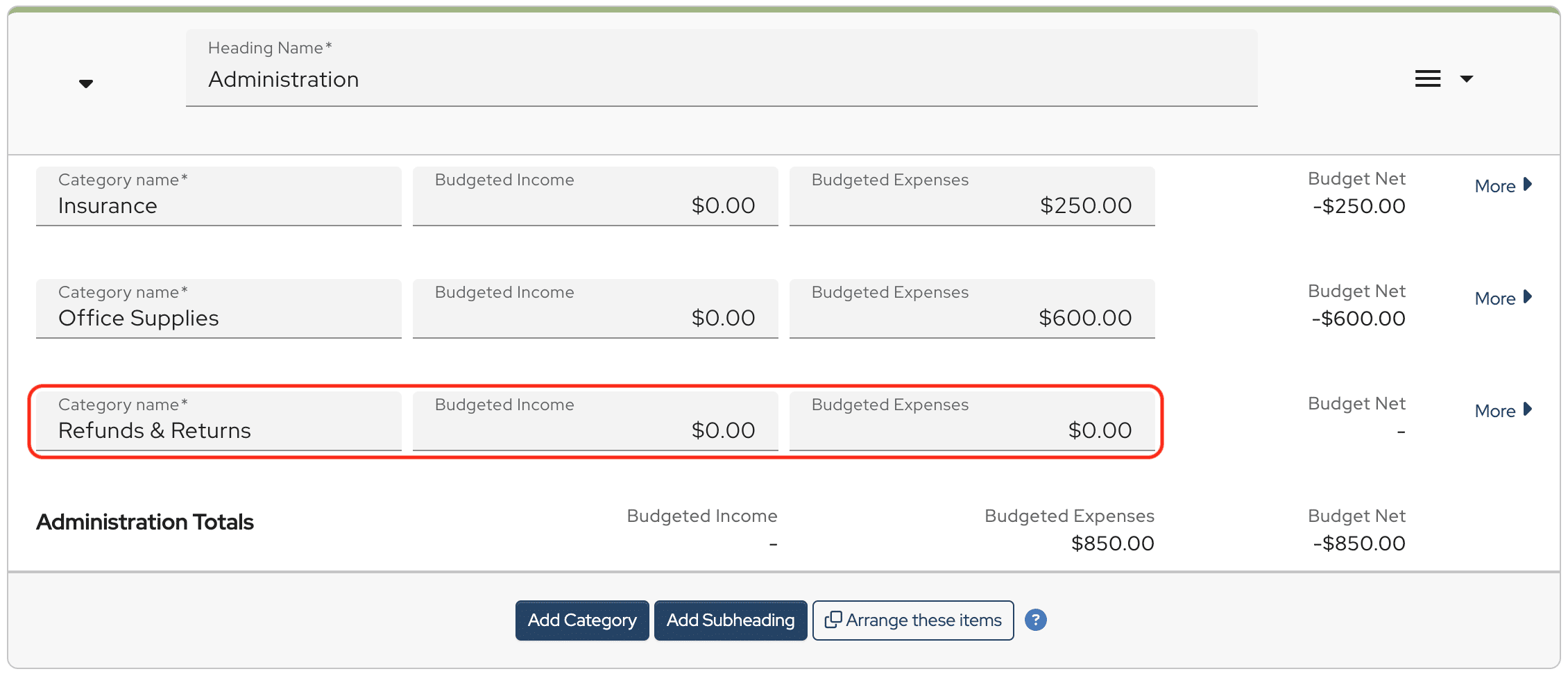
First, create a budget category called Refunds & Returns. Leave both the budgeted income and budgeted expense amounts at $0.00.
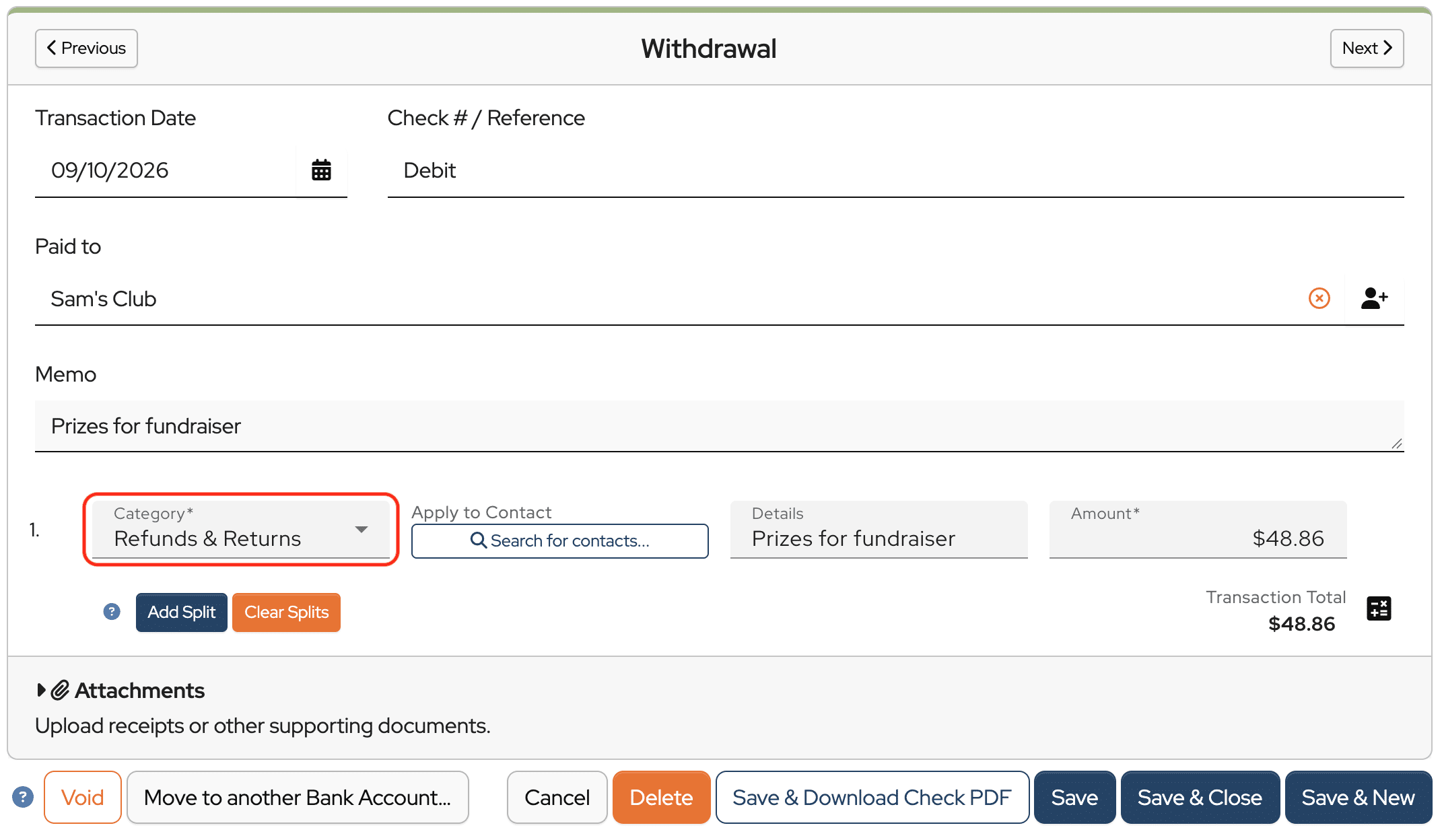
When you receive the refund, find the original purchase in your bank register and edit the withdrawal. Change the budget category to Refunds & Returns.
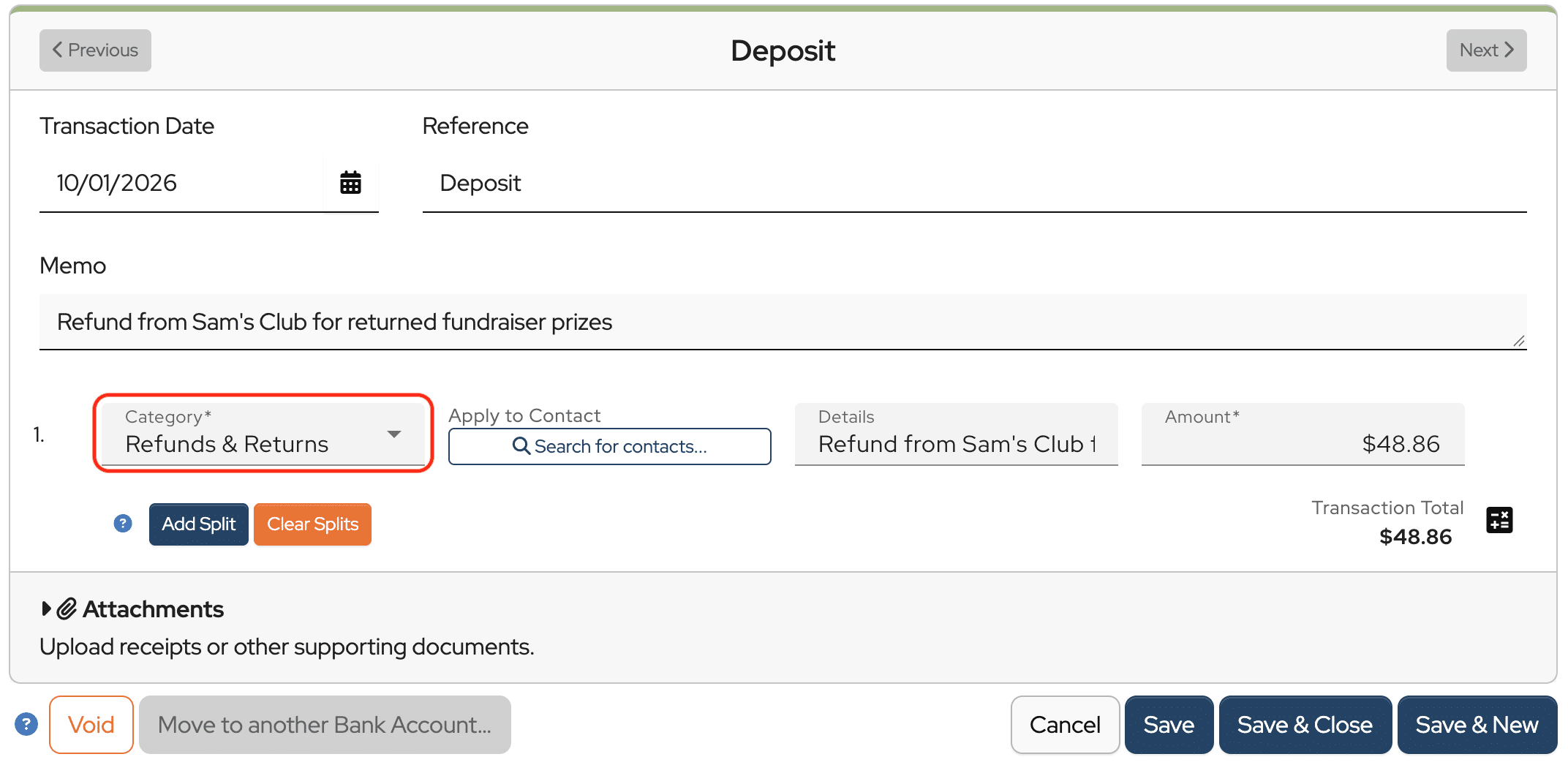
Then, enter or import the refund as a deposit and assign it to that same Refunds & Returns category.
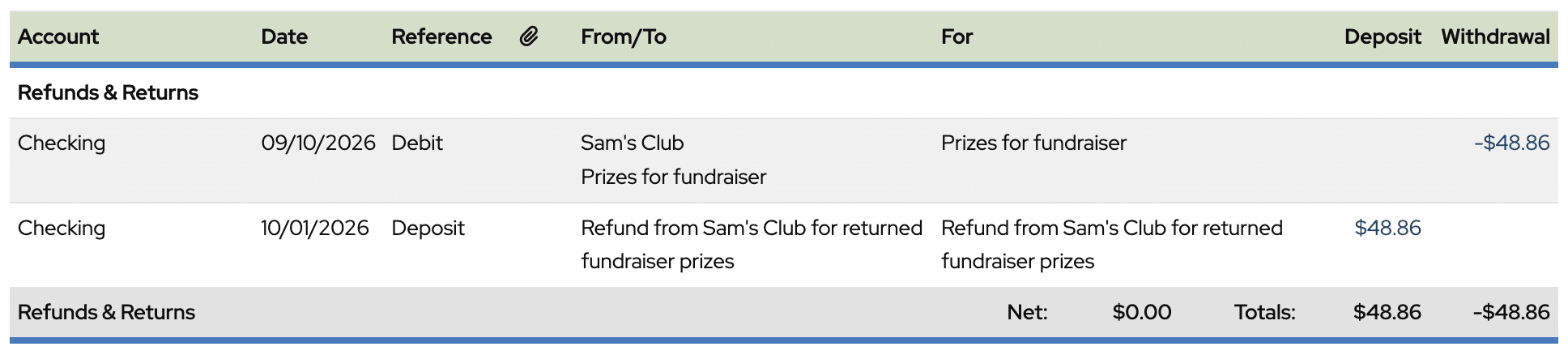
If you open the All Transactions by Category Report, you’ll now see both the original purchase and the refund listed in the Refunds & Returns category.
Now let’s look at the Treasurer’s report.

The original purchase shows as an expense in the Refunds & Returns category, while the refund shows as income. Since the two amounts are the same, the category has a net of zero.
One important thing to keep in mind is that MoneyMinder is cash-based accounting software. So even though the purchase and refund cancel each other out within the category, both the expense and the income still increase the group’s total income and expenses.
And that’s how to handle refunds in MoneyMinder.