Copy Contacts from the prior financial year
Watch Video
Contacts can be copied from one financial year (fiscal year) into another financial year.
Note: The option to copy contacts is only available if no contacts have been entered in the new year.
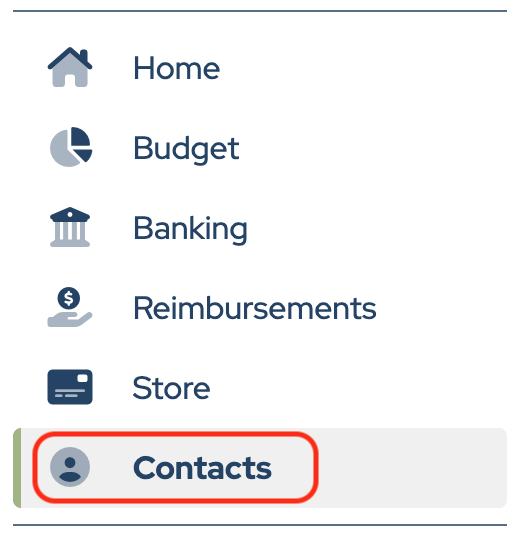
Click Contacts in the sidebar.
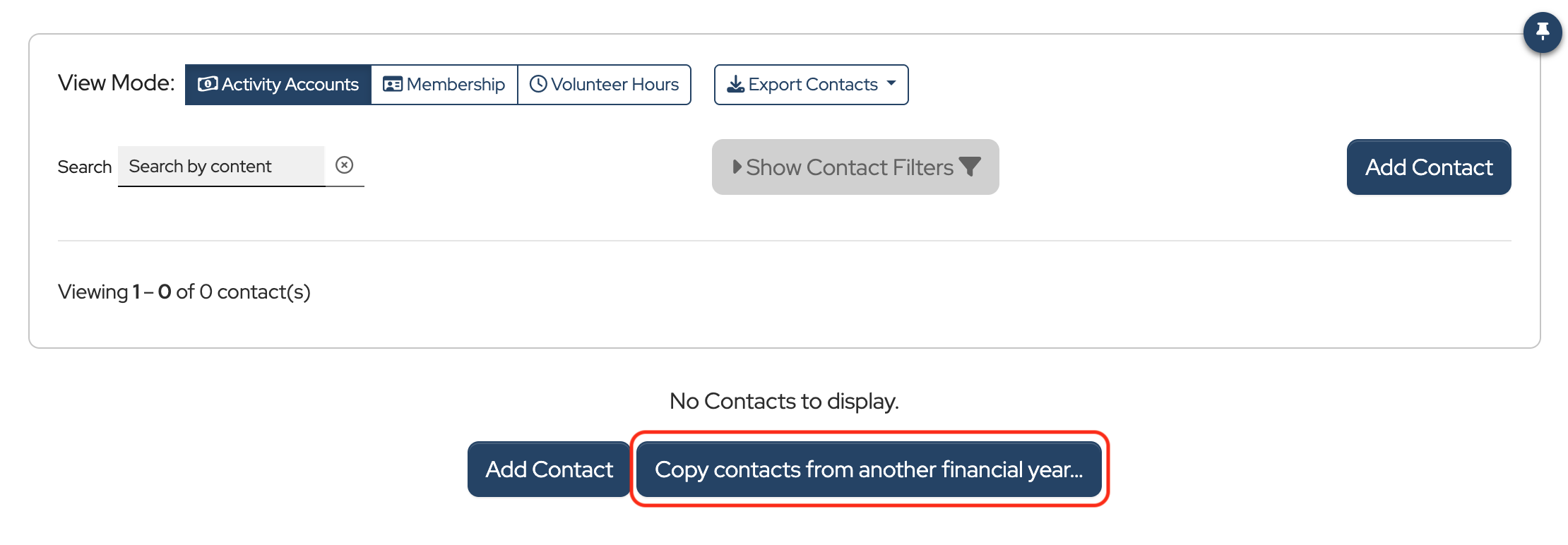
Click Copy contacts from another financial year….
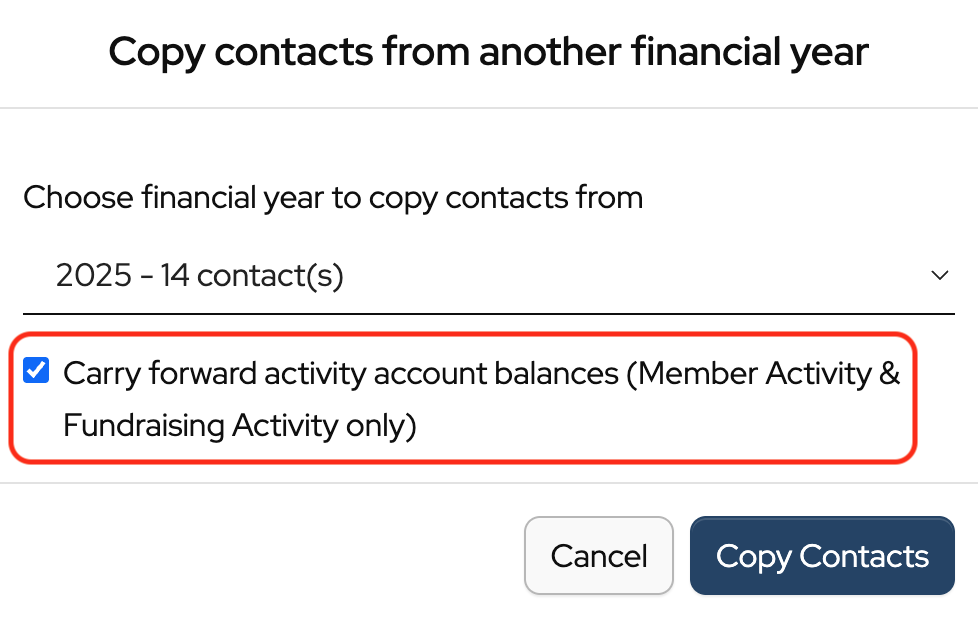
Member Activity and Fundraising Activity balances can be carried into another financial year along with contacts.
- Check the Carry forward activity account balances box to carry balances forward.
- Uncheck the box to start all contacts with a $0 balance.
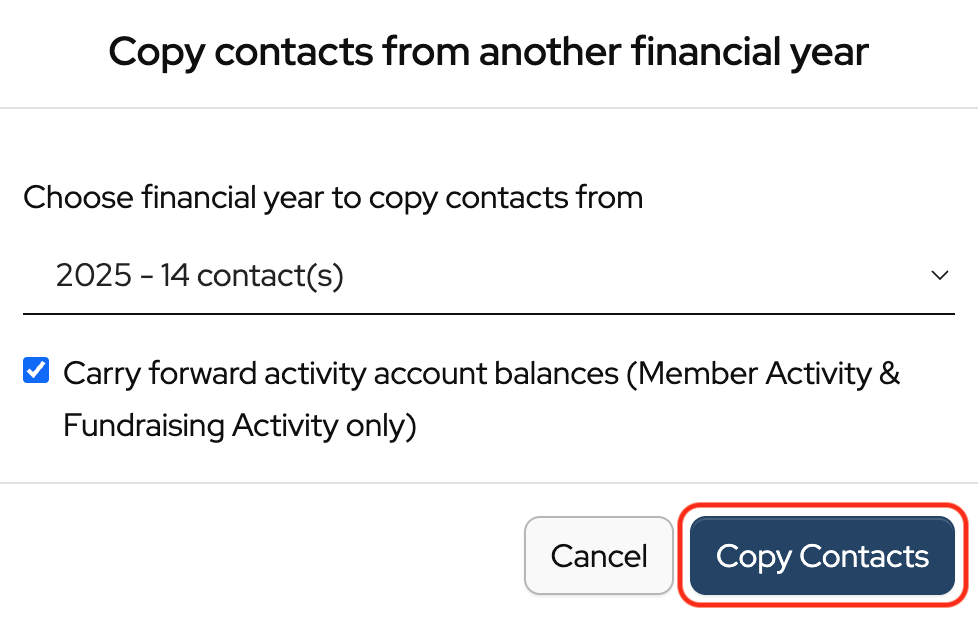
Click Copy Contacts.
You can also copy contacts into a new financial year and then carry their balances forward later.
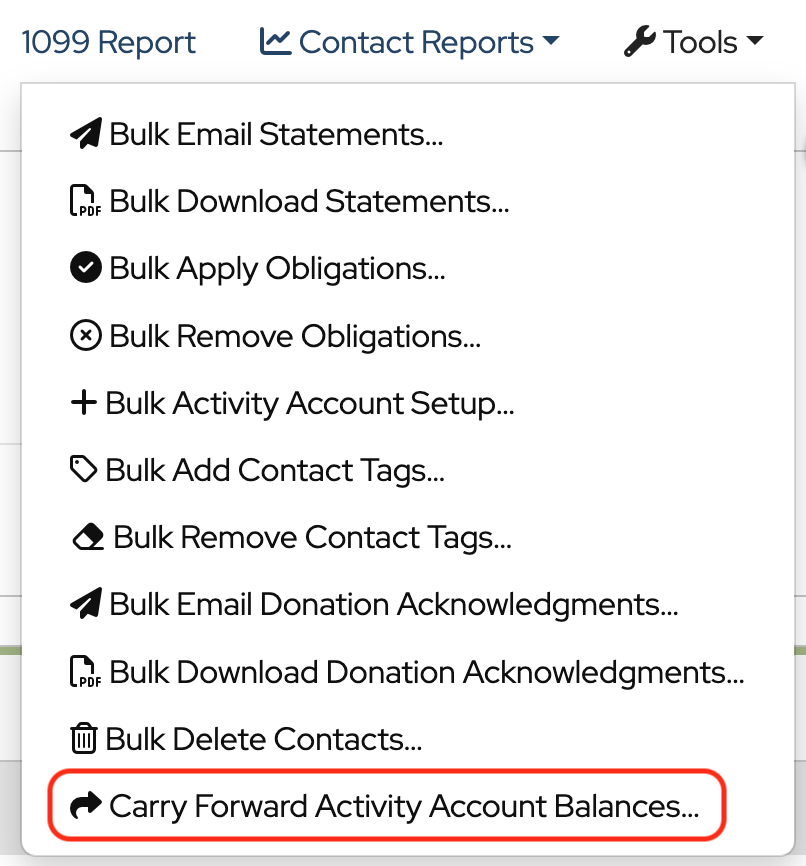
In Contacts, click Tools and choose Carry Forward Activity Account Balances from the dropdown.
Click Update Balances. This will update contact balances using the ending balance from the prior year.
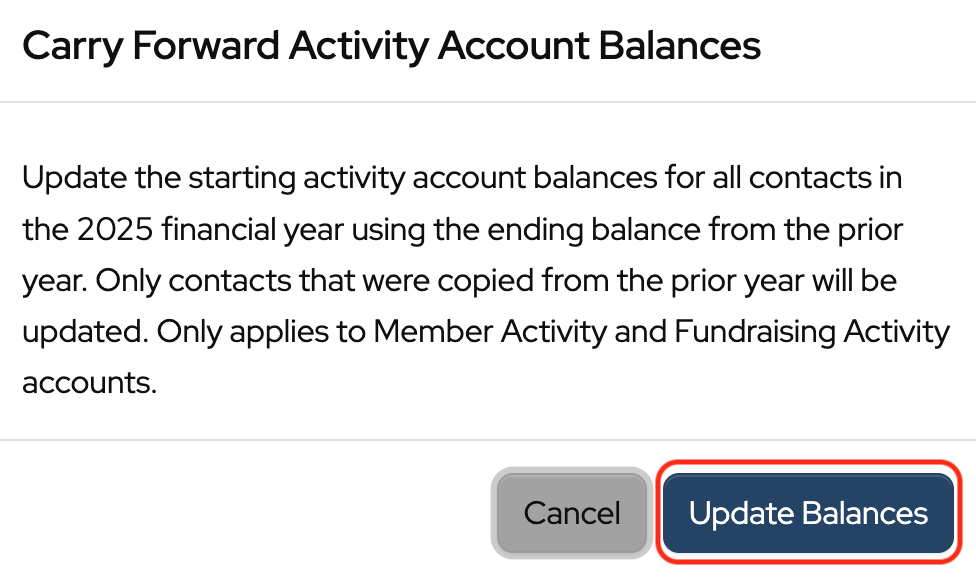
Note: Only contacts that were copied from the prior year will be updated. Only applies to Member Activity and Fundraising Activity accounts.
Back to the top