
Transferring your bank balance(s) to the next financial year
Watch Video
Once bank account(s) have been reconciled through the last day of the financial year, the bank balance and uncleared transactions can be carried forward into the new financial year.
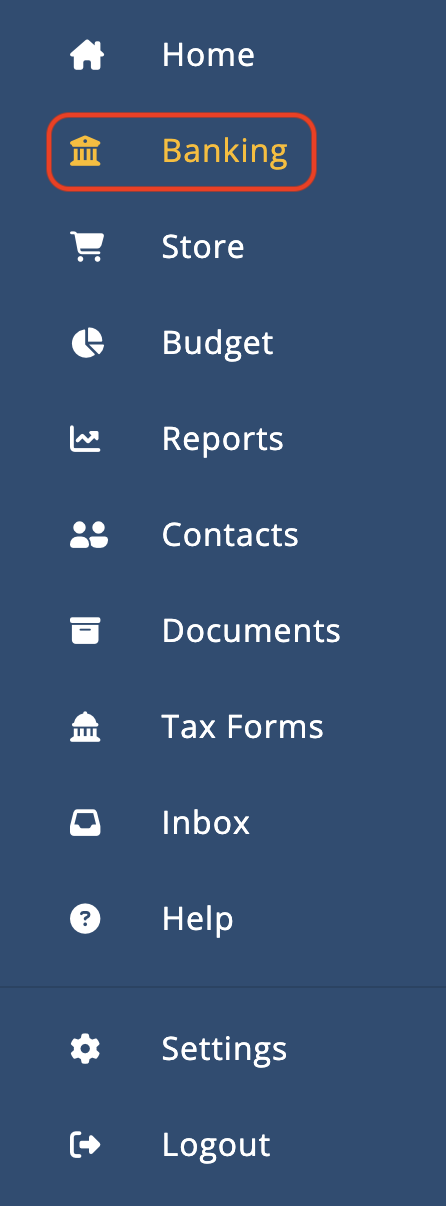
Click Banking in the sidebar.
Click Bank Account Details to the right of the bank account.

Note: If there is a checkmark next to the Bank Account Details button, that means the account is reconciled through the end of the last financial year and banking can be carried forward into the new financial year.
Click Carry Forward Last Year’s Account Information. This will carry forward the bank balance and any uncleared transactions from the prior financial year.
Note: This will replace the current balance and uncleared transactions with those copied from the prior year.

Click Save.
If bank accounts have not been reconciled through the last day of the prior financial year, click Bank Account Details to the right of the bank account and manually enter the bank balance and uncleared transactions from the prior financial year.

Enter the statement balance at the beginning of the financial year. This should be taken directly from the bank statement.

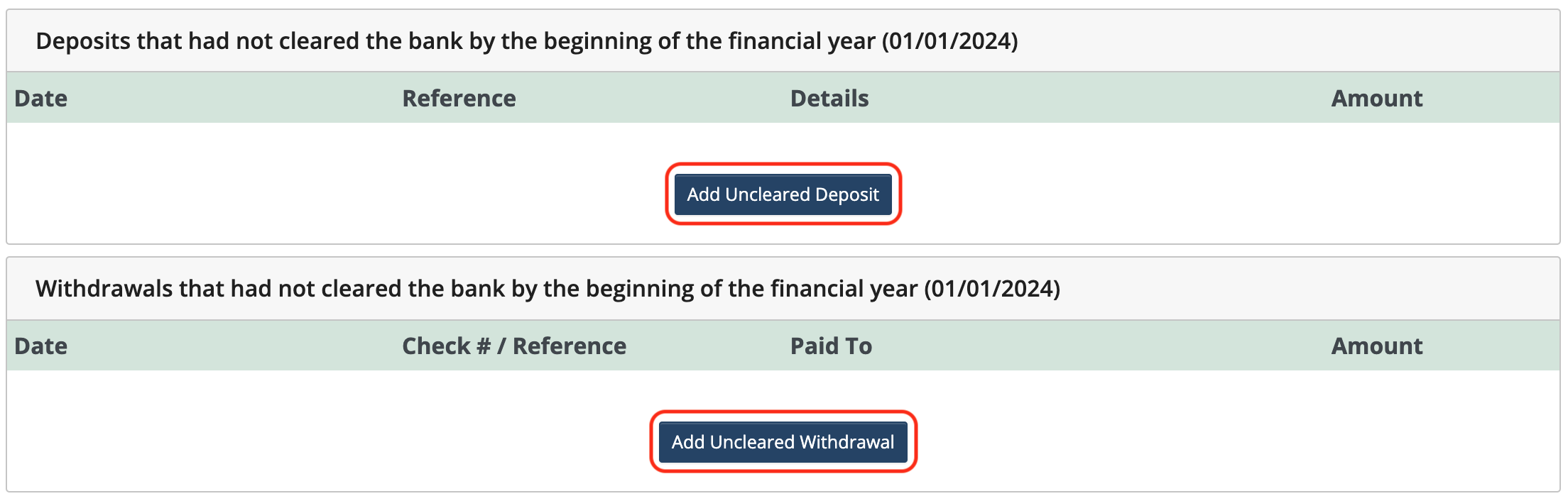
Click Add Uncleared Deposit or Add Uncleared Withdrawal to enter outstanding deposits or withdrawals from the prior financial year that did not clear the bank by the start of the new financial year.

 Connect your Stripe Account to MoneyMinder PRO to directly download transactions, saving you time and effort. You just review the transactions to ensure they are properly categorized and fill out any required fields.
 Connect your Venmo account to MoneyMinder PRO to directly download transactions, saving you time and effort. You just review the transactions to ensure they are properly categorized and fill out any required fields.
 Connect your Bank, Paypal and Square accounts to MoneyMinder PRO to directly download transactions, saving you time and effort. You just review the transactions to ensure they are properly categorized and fill out any required fields.
 Connect your Bank, Paypal and Square accounts to MoneyMinder PRO to directly download transactions, saving you time and effort. You just review the transactions to ensure they are properly categorized and fill out any required fields.
 Join It is a membership management service that helps businesses and nonprofits effectively sell, track, and grow their membership.
 Set up a MoneyMinder Store free. Just pay 0.4% /transaction*
 Connect your Bank, Square and PayPal accounts to MoneyMinder PRO to directly download transactions, saving you time and effort. You just review the transactions to ensure they are properly categorized and fill out any required fields.