
Setting up your Bank Register(s) at the beginning of your 30-day free trial
Watch Video
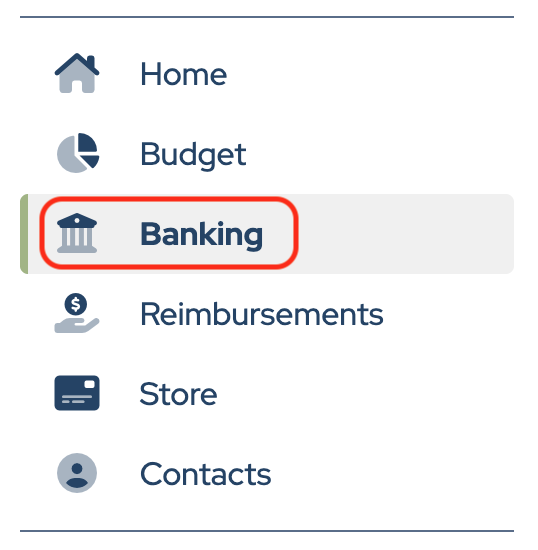
Click Banking in the sidebar.
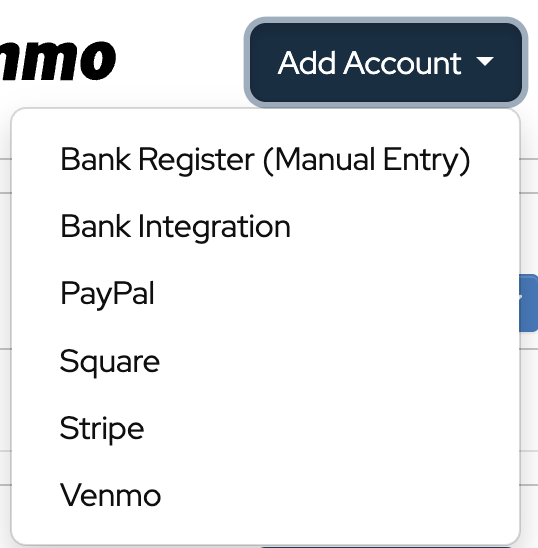
Click Add Account.

Choose which type of account to add from the dropdown.
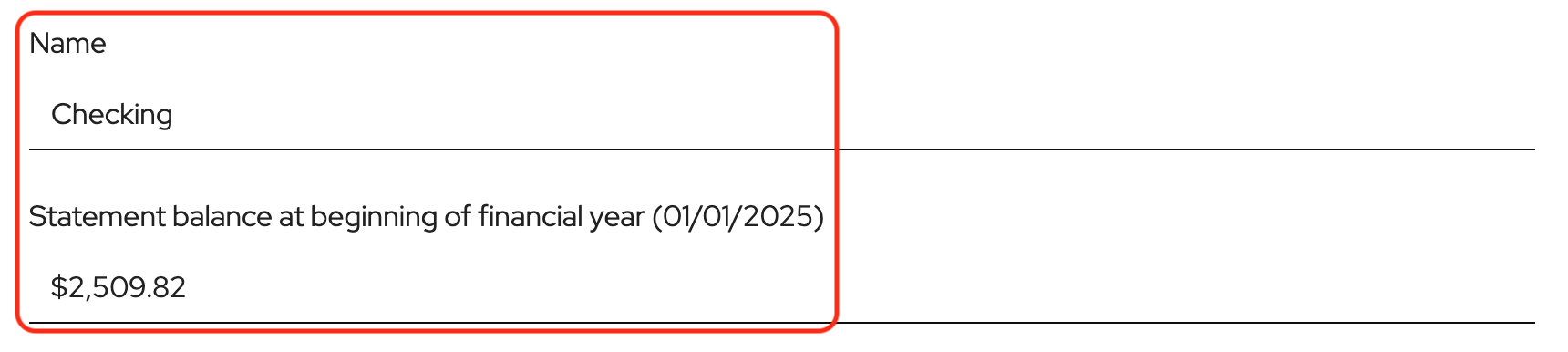
Enter the bank account name and statement balance at the beginning of the financial year. This should be taken directly from the bank statement.
Click Add Uncleared Deposit or Add Uncleared Withdrawal to enter outstanding deposits or withdrawals from the prior financial year that did not clear the bank by the start of the new financial year.
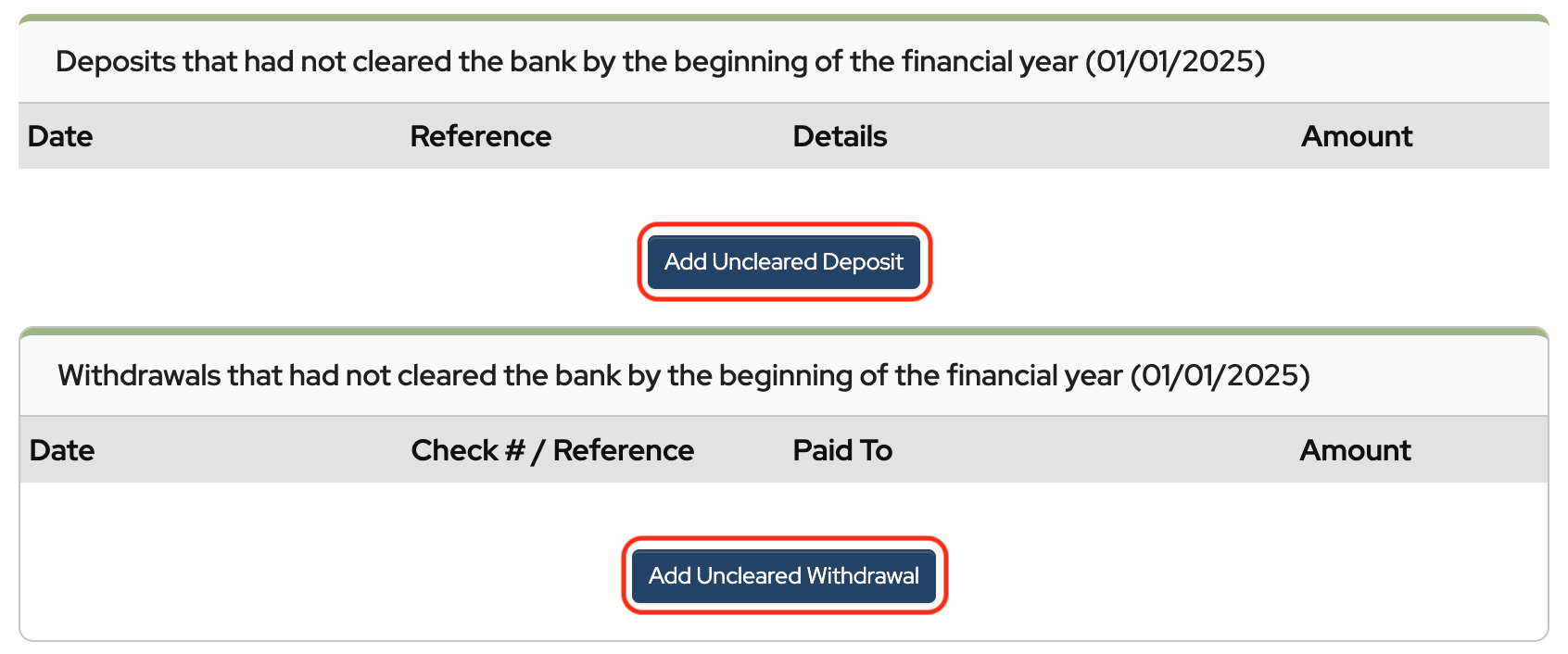
Note that entries made in this section do not affect current year numbers. They are placeholders for reconciliations in the new financial year. It is most transparent to enter the bank statement opening balance, which is easily verifiable, and then enter any known outstanding items to arrive at a true starting balance for the year.
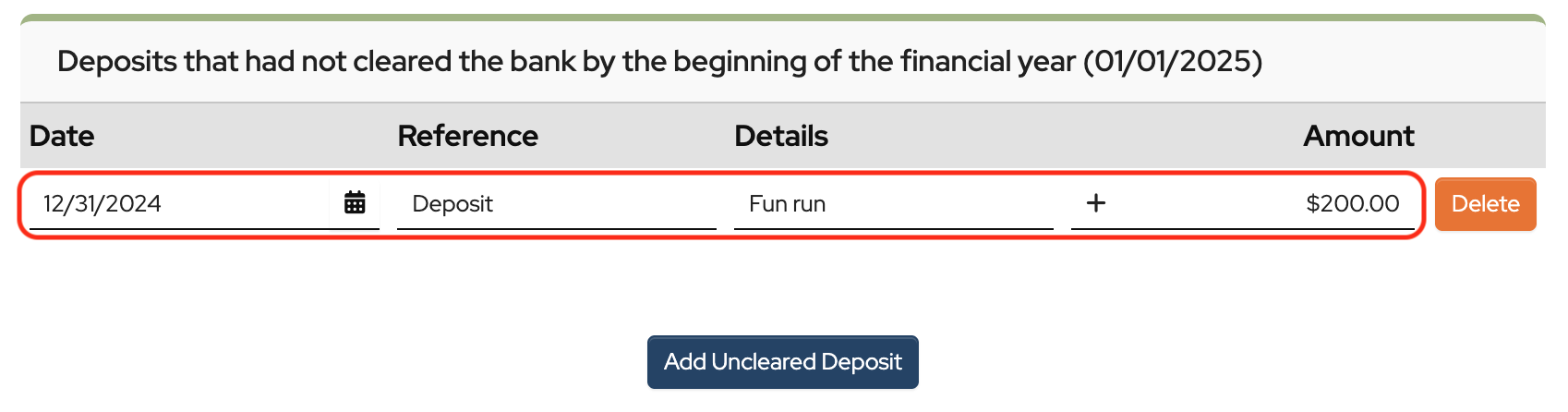
For uncleared deposits: Enter the date, reference information, details, and the amount. Continue to do this for every deposit that had not cleared the bank by the last day of the financial year.
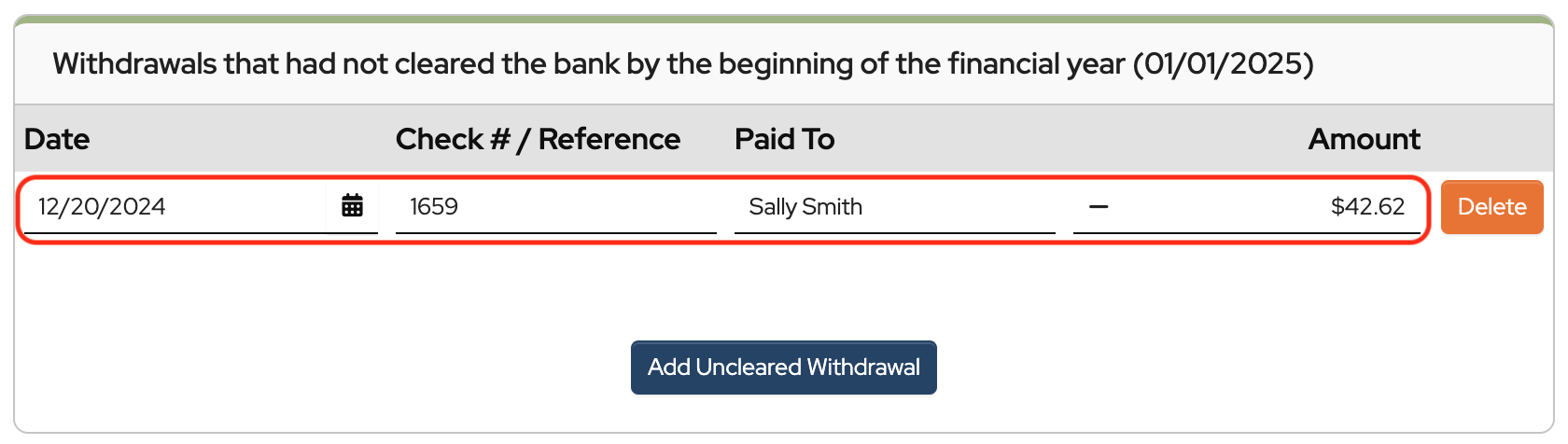
For uncleared withdrawals: Enter the date, check number or reference information, who it was paid to, and the amount.
When you’re finished adding uncleared transactions, click Save.
 Connect your Stripe Account to MoneyMinder PRO to directly download transactions, saving you time and effort. You just review the transactions to ensure they are properly categorized and fill out any required fields.
 Connect your Venmo account to MoneyMinder PRO to directly download transactions, saving you time and effort. You just review the transactions to ensure they are properly categorized and fill out any required fields.
 Connect your Bank, Paypal and Square accounts to MoneyMinder PRO to directly download transactions, saving you time and effort. You just review the transactions to ensure they are properly categorized and fill out any required fields.
 Connect your Bank, Paypal and Square accounts to MoneyMinder PRO to directly download transactions, saving you time and effort. You just review the transactions to ensure they are properly categorized and fill out any required fields.
 Join It is a membership management service that helps businesses and nonprofits effectively sell, track, and grow their membership.
 Set up a MoneyMinder Store free. Just pay 0.4% /transaction*
 Connect your Bank, Square and PayPal accounts to MoneyMinder PRO to directly download transactions, saving you time and effort. You just review the transactions to ensure they are properly categorized and fill out any required fields.
I recently because treasurer for our cheer booster club. Currently they are using a paper journal. I would like to integrate our bank account, square and venmo account. It’s asking for my fiscal year. That is 01/01/2024. Is it necessary to go back that far for outstanding items?
Hi Jennifer,
It’s up to you if you want to import transactions from the beginning of the year. If you do, you will have a full year of records in MoneyMinder which could be useful, especially for filing taxes. Often banks only keep about 90 days’ worth of transactions available for importing, but you can download transaction files from your bank and import them from the beginning of the year. Here is a link to the article that shows how to import from transaction files: https://moneyminder.com/knowledgebase/importing-bank-transactions-from-a-qfx-qbo-or-ofx-bank-file-export/
Our organization has 5 major programs that we want to track income and expenses for and produce individual income statements for, monthly and YTD as well as and income statement showing how they roll up into the combined income statement. Is the software capable of tracking income and expenses by program to produce individual statements.
Hi Mark,
You can create separate headings in the budget for each program, and when you run the Treasurer’s Report, you can collapse the headings that you don’t want to see and export only one heading (program) at a time. However, it is all one report, and the totals for each heading will show at the bottom of the report.