
How to Edit Group Information and Preferences
Watch Video
Most of your group information is entered when you sign up for a trial in MoneyMinder, but you can update it, along with your preferences, at any time.
Let’s look at how.
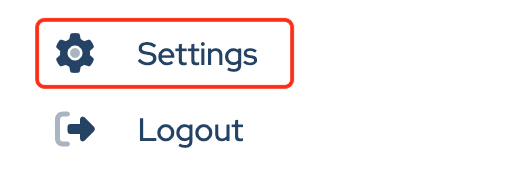
Start by clicking Settings at the bottom of the sidebar.
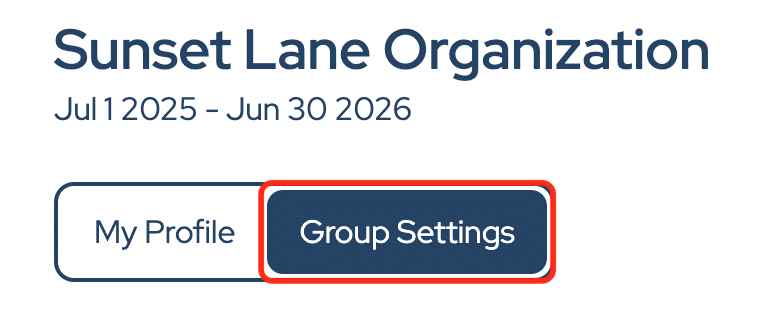
Next, click Group Settings.
This is where you can manage your organization’s details. Click into any field to update your group’s name, address, phone number, email, or EIN.
If you have a local unit number, corporation number, or business number, you can enter them here as well.
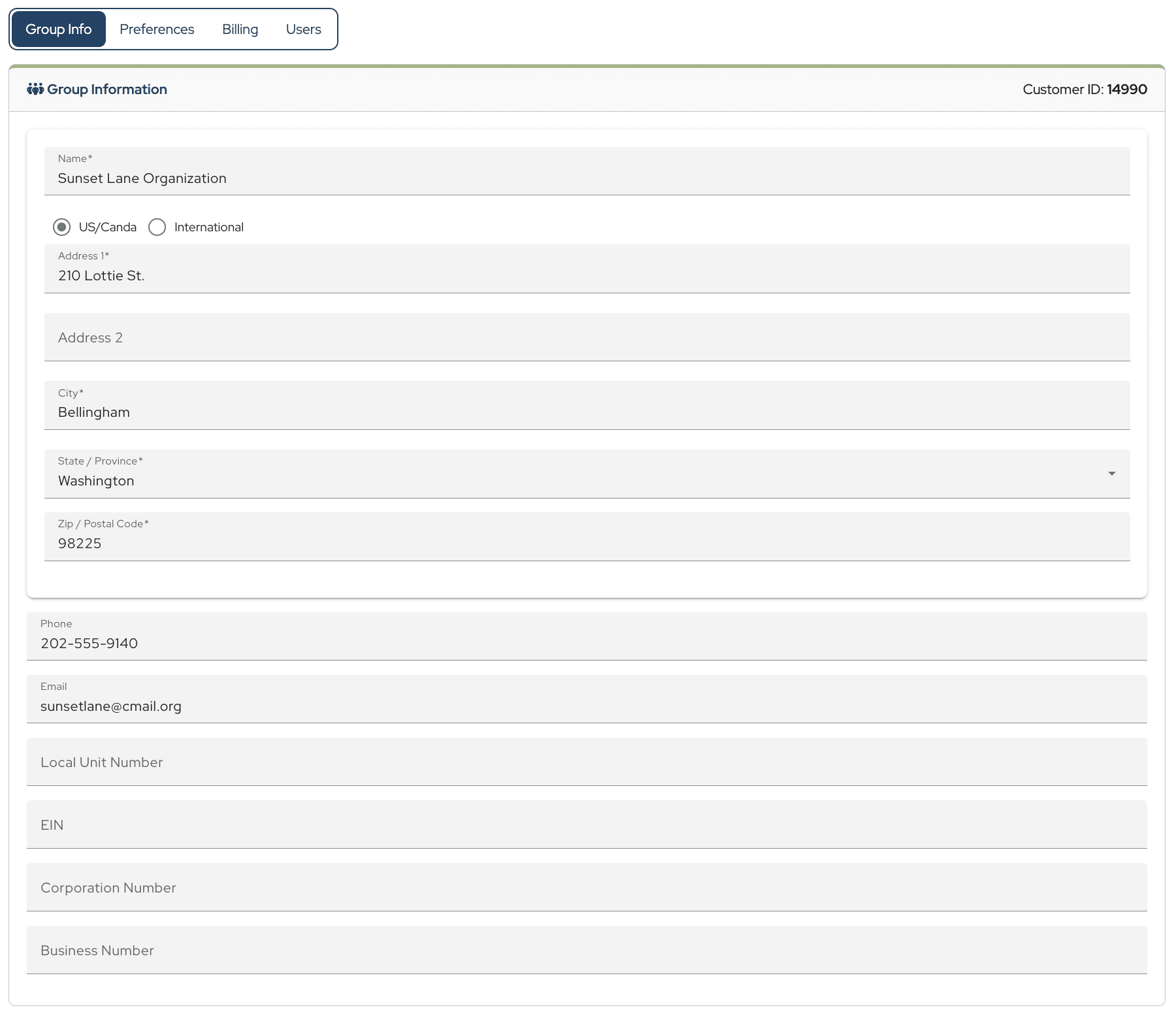
After making your changes, click Save.
Next, let’s take a look at your preferences.
Click Preferences.
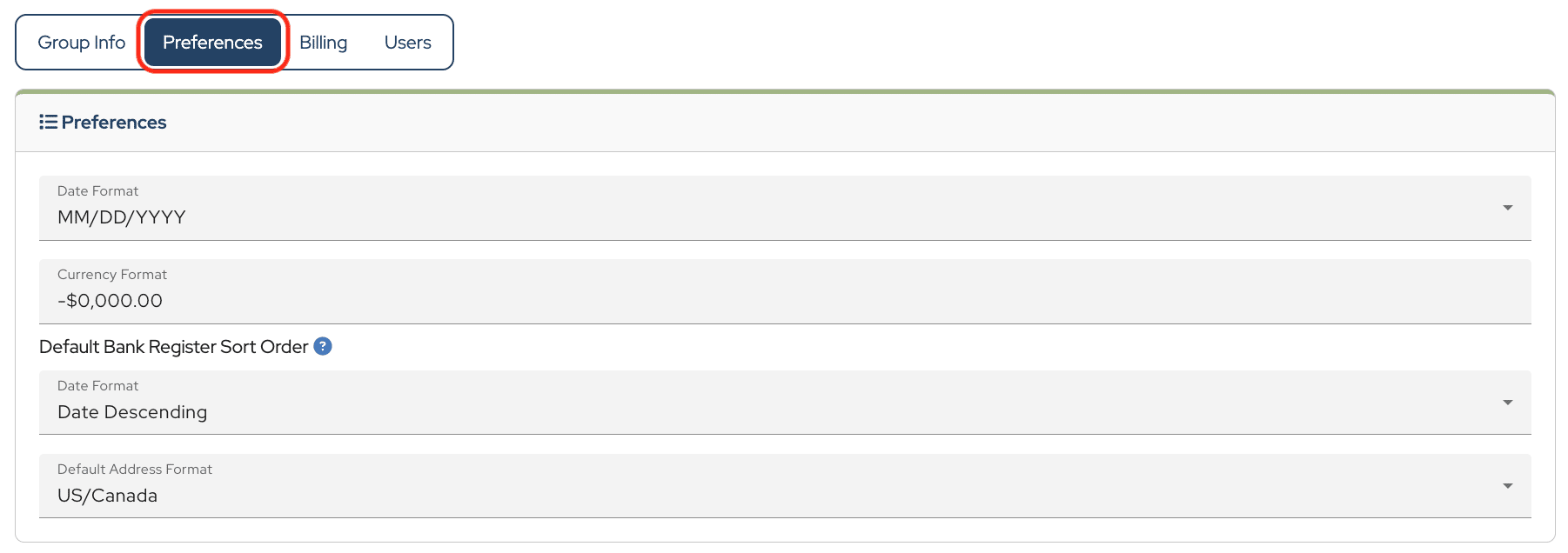
From here, you can choose your preferred date format using the dropdown menu.

You can also select your currency format by typing in the currency format field and selecting the appropriate option.
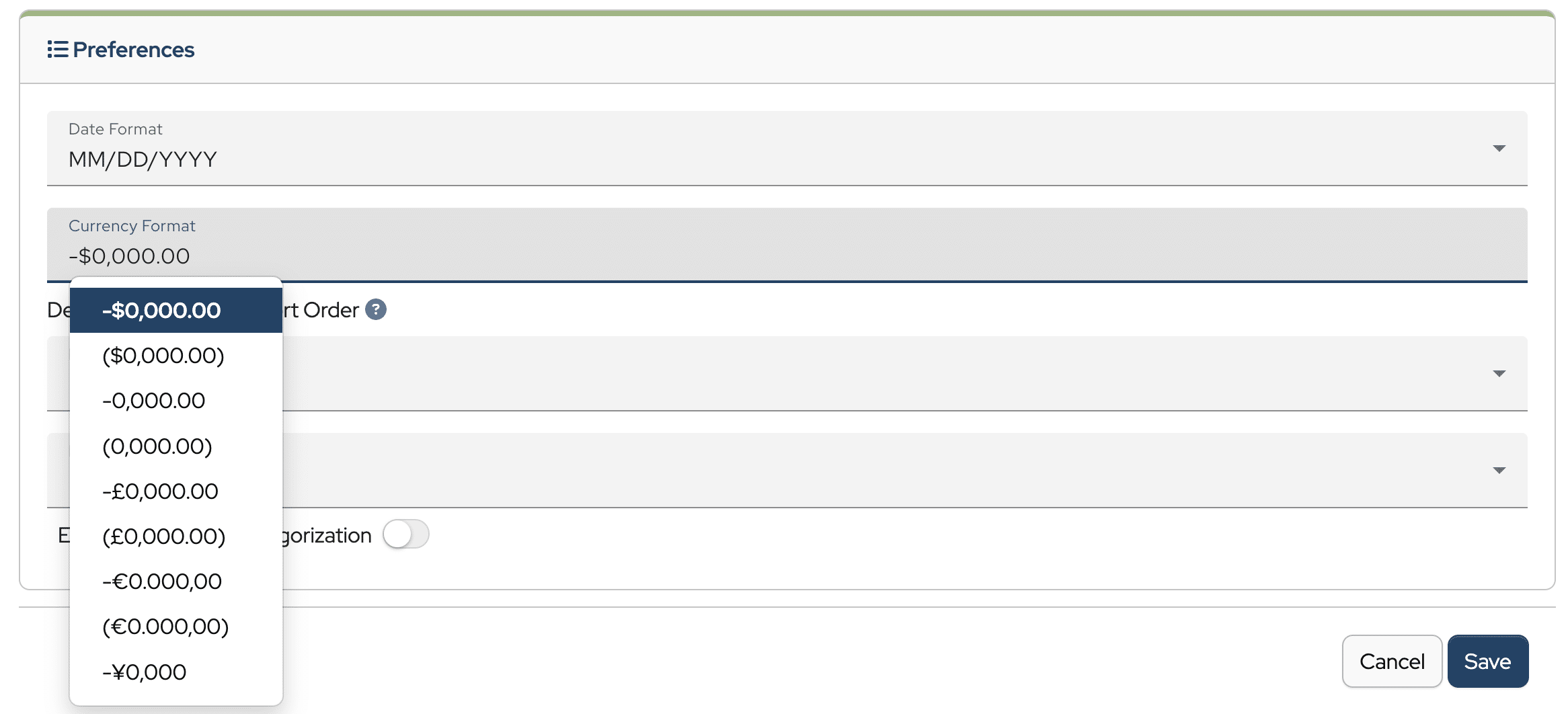
For your bank register, you can choose how transactions are sorted. Date Descending places the most recent transactions at the top, while Date Ascending places the oldest transactions at the top.

Finally, you can choose between US/Canada and International address formats.
When everything looks right, click Save.
And that’s how to edit your group information and preferences.

Is it possible to have more than one account on this program
Hi Jean,
A MoneyMinder account works for a single organization. But the organization can have multiple bank accounts.
Does that answer your question?
Cyndi
Hello Can an organisation have multiple accounts with different currencies
Hi James, Good question! You can have multiple bank accounts (MoneyMinder does not look at individual bank accounts, it takes into account the sum) however they must all have the same currency.
Please let us know if we can help any further;
Warm regards,
Julie
Hi, I am based in the UK, can this software-based be used in the UK as it seemly to be mainly catered for users in the US ?
Absolutely Kwasi. While it was originally developed for US based groups, many groups around the world use it. You can change the currency & date format within the account.
I am trying the trial from Sri Lanka. How do I select country outside USA & Canada in the drop down menu.
Thanks for your question Shan. We have users around the globe that enjoy MoneyMinder. I will look into that issue with the drop down menu and get that corrected. I appreciate you letting us know.
In the meantime, if you’d like you can leave that field blank when you sign up. It won’t harm anything.