
Using Membership in Contacts
Membership allows you to manually keep track of contact membership.
Note: Membership differs from Member Activity in that all information in Membership is entered manually and does not get updated in bank transactions or tie to other parts of MoneyMinder.
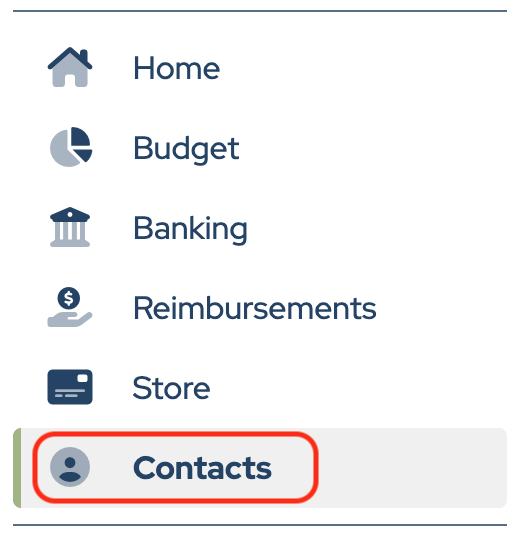
To enter information into Membership, click Contacts in the sidebar.
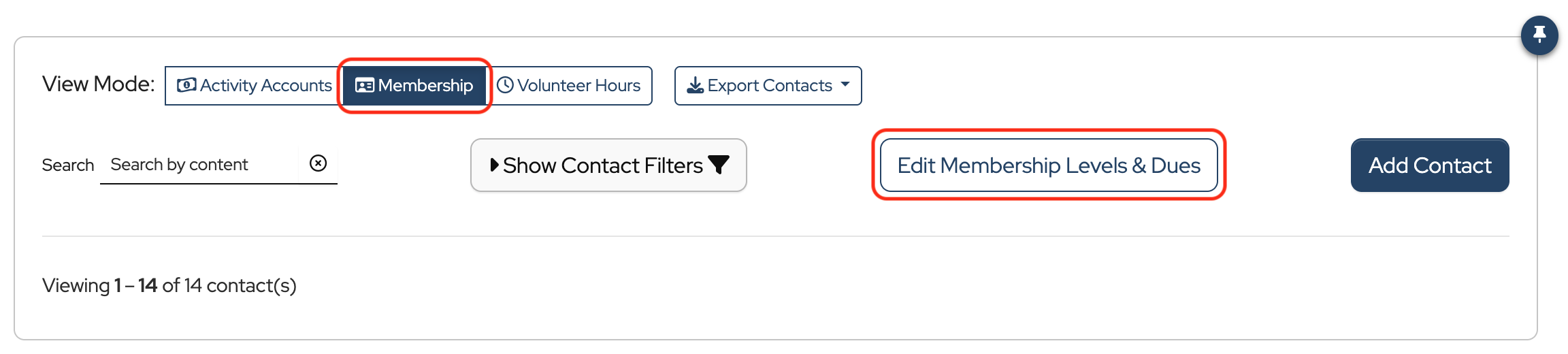
Change the View Mode to Membership, then click Edit Membership Levels & Dues to enter the membership level names and amounts.
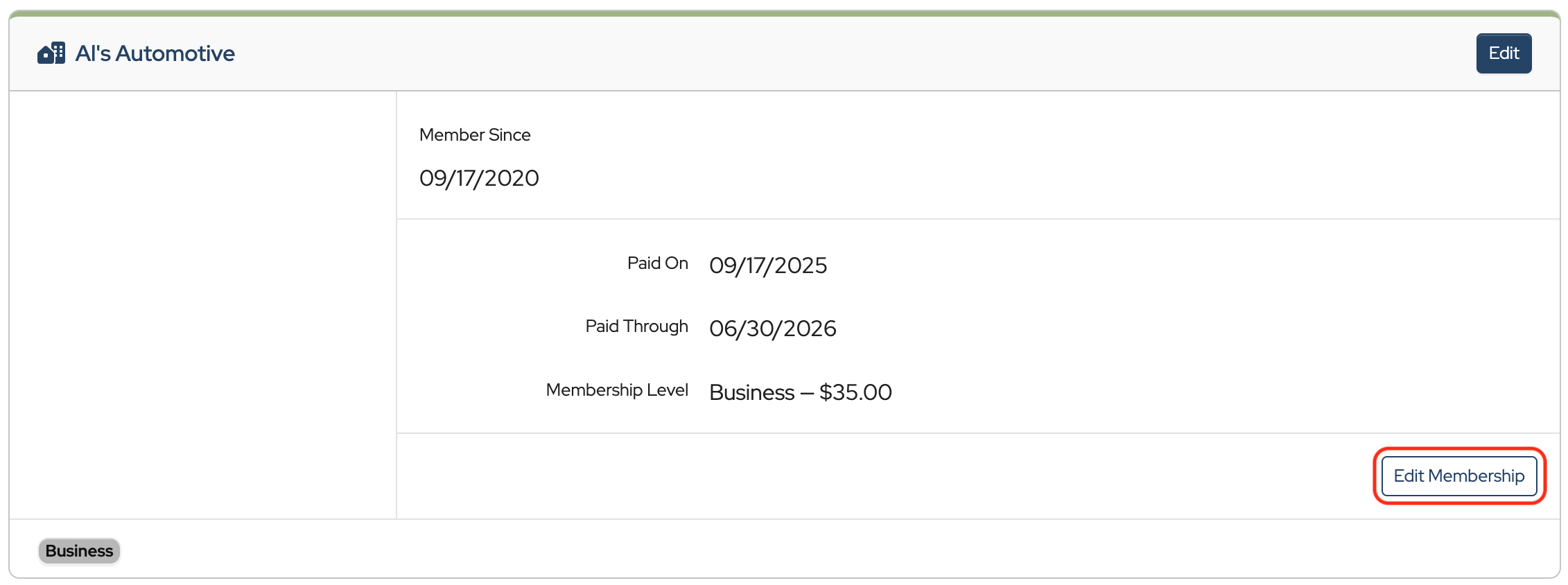
Click Edit Membership in each contact’s record to enter or update Member Since, Paid On date, Paid Through date, and Membership Level.
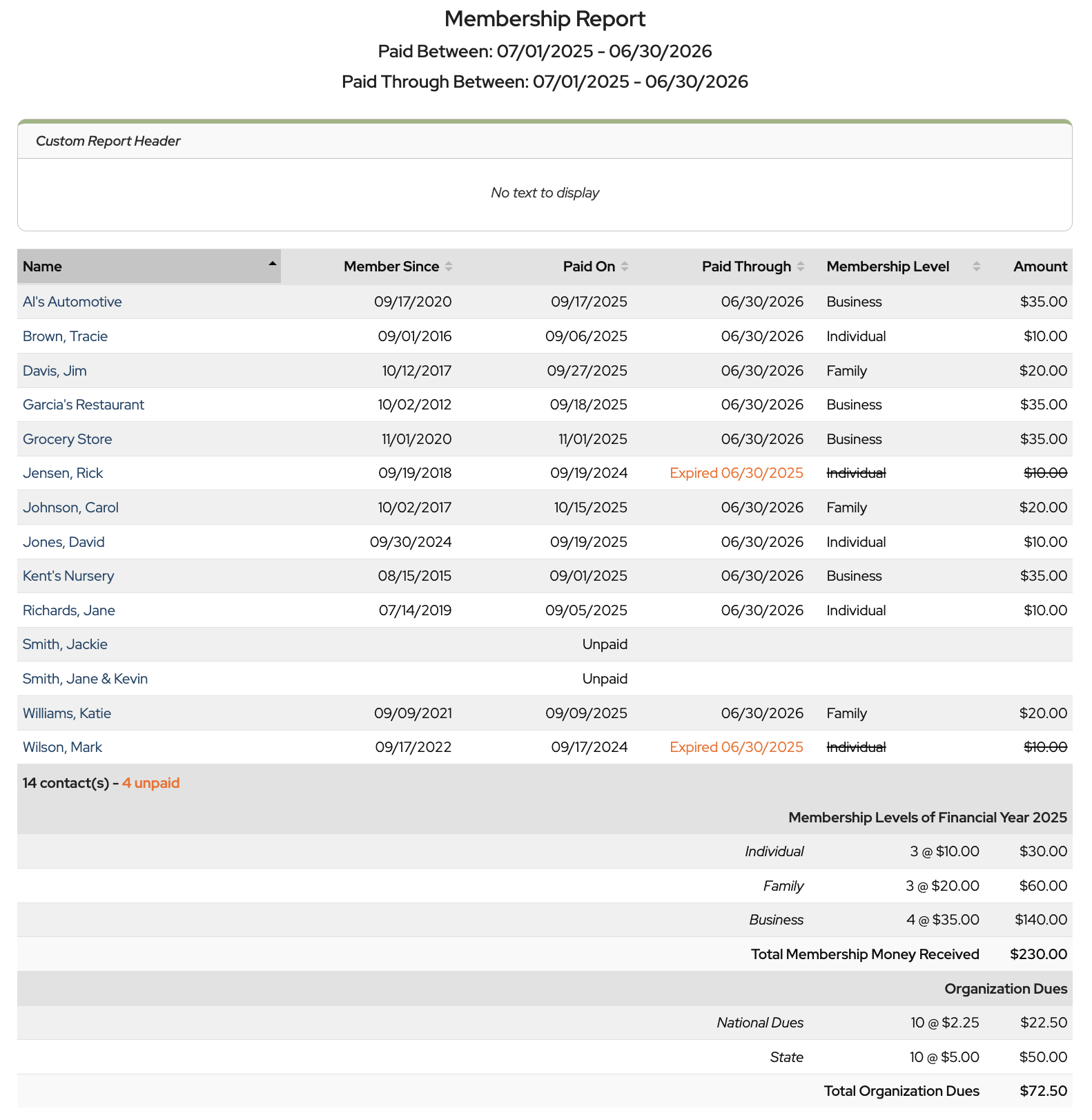
To run the Membership Report, click Contact Reports and choose Membership Report from the dropdown.
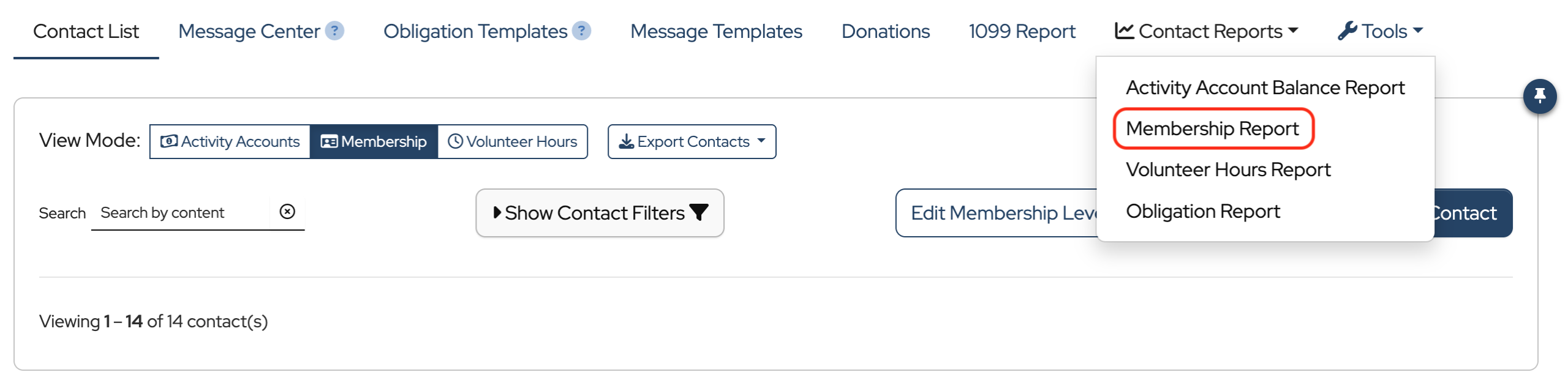
This opens a Membership Report of what you’ve manually entered for each contact.
How do I exclude organization dues for contacts that do not contain member activity? I created appropriate membership levels and contacts that have activities other than membership activity. When reporting, these contacts are counted in “organization dues”. I need to exclude them as they are not dues paying members.
Hi Kris, great question. It sounds like you are working on the Membership Report. You’ll see all of your contacts listed on that overall report, but only those contacts listed as members as part of your Dues count. In your case, it looks like you have 29 contacts but only 28 should be paying dues and that is the number used to calculate the Total Organization Dues at the bottom. I hope this helps, but if you need more specific help we are available to chat live from your account Monday – Friday. Or email us at [email protected] for more immediate assistance.
Can you edit the headers in this report. Show the members that pay dues and the members that are volunteers?
Hi Kally,
There isn’t a way to edit the column headers in the report, but maybe you could create a Membership Level named “Volunteer” and assign it to the volunteers. It would then show in the Membership Level column.